| Bytes | Lang | Time | Link |
|---|---|---|---|
| 093 | AWK | 250729T202219Z | xrs |
| 5147 | Commander X16 BASIC | 250616T012810Z | Mark Ree |
| 071 | HTML / SVG | 250614T091259Z | Miro |
| 109 | gnuplot | 240714T082718Z | Glory2Uk |
| 115 | JSL | 240415T165631Z | Glory2Uk |
| 120 | Batch | 230516T115634Z | T3RR0R |
| 120 | Haskell | 230515T182410Z | Roman Cz |
| 116 | Chipmunk BASIC | 230515T141115Z | roblogic |
| 056 | Japt | 230515T141534Z | Shaggy |
| 043 | iKe | 151117T233249Z | JohnE |
| 045 | Python | 230514T163726Z | The Empt |
| 047 | Python 2 | 151117T223308Z | user4594 |
| 021 | Grasshopper JS | 230110T085126Z | Danut |
| 063 | ImageScript | 160508T011621Z | MCMaster |
| 122 | Applesoft BASIC | 220510T022539Z | Ohentis |
| 123 | Asymptote | 220329T183852Z | Black Mi |
| 016 | 05AB1E | 210518T002251Z | Makonede |
| 195 | Swift + SwiftUI | 220318T015129Z | Bbrk24 |
| 010 | ZX Spectrum BASIC | 151121T124226Z | Radovan |
| 190 | C# .NET Framework | 200804T230646Z | canttalk |
| 111 | Processing | 200804T161755Z | Razetime |
| 086 | Java JDK 10 | 180807T094124Z | Olivier |
| 083 | PaperScript | 170902T053016Z | DLosc |
| 062 | Excel VBA | 170423T070519Z | Stupid_I |
| nan | 170716T034419Z | Dan0 | |
| 080 | Tcl/Tk | 170318T021747Z | sergiol |
| 085 | LibreLogo | 170423T010940Z | Grant Mi |
| 035 | Bash | 170423T152516Z | Khaled.K |
| 128 | Processing | 170423T140331Z | Dat |
| 100 | ffmpeg | 151119T214512Z | Gyan |
| 055 | SmileBASIC | 170130T095343Z | 12Me21 |
| 048 | PostScript | 161016T024157Z | Morgan H |
| 030 | ZX Spectrum Z80 assembly | 160803T230308Z | Z80 code |
| 037 | FLIF | 160715T031638Z | algmyr |
| 063 | Python | 160712T122131Z | Karl Nap |
| 084 | Pure Bash on OSX | 151118T062303Z | Digital |
| 140 | JavaScript | 151117T235652Z | insertus |
| 076 | HTML / SVG | 151117T235052Z | Downgoat |
| 136 | Postscript | 151126T163943Z | Spehro & |
| 097 | Powershell | 151118T212655Z | Jeff |
| 398 | C++ Windows | 151125T104344Z | otah007 |
| 152 | PowerShell | 151125T092757Z | Richie L |
| 102 | CSS | 151118T122722Z | Thomas E |
| 057 | R | 151125T043305Z | Abhijit |
| 176 | C# | 151123T220823Z | Hand-E-F |
| 043 | CJam | 151124T183237Z | aditsu q |
| 051 | Python 3 | 151124T125721Z | AmauryPi |
| 046 | Python 2 | 151124T140154Z | Ray |
| 072 | CSS | 151120T123018Z | Fabrizio |
| nan | Perl | 151120T141850Z | steve |
| 156 | Java | 151123T224402Z | 6infinit |
| 034 | x86 machine code | 151124T012219Z | Matteo I |
| 137 | Visual Basic+Excel | 151120T200822Z | steve |
| 131 | Tandy Color Computer 2 BASIC | 151123T200331Z | zmerch |
| 088 | Processing | 151123T161728Z | benja |
| 139 | LaTeX | 151118T082624Z | Fatalize |
| 199 | FLTK | 151120T170133Z | manatwor |
| 124 | HTML | 151122T115706Z | nicael |
| 115 | C | 151119T050343Z | Functino |
| nan | Python | 151118T043821Z | TanMath |
| 090 | ActionScript | 151120T051154Z | Jimbo Jo |
| 175 | JavaScript 206 | 151121T072514Z | wolfhamm |
| 086 | CSS | 151120T183815Z | Ismael M |
| 045 | Googly Blockly | 151120T160158Z | Bassdrop |
| 153 | Brainfuck$ | 151118T101340Z | PurkkaKo |
| 070 | MATLAB | 151119T195938Z | Sanchise |
| 058 | Octave | 151118T101546Z | Sanchise |
| 174 | Lua + LÖVE | 151119T191914Z | manatwor |
| 606 | CSharp | 151119T155016Z | drjenkin |
| nan | QBASIC | 151119T202931Z | Jens |
| 141 | JavaScript | 151119T221454Z | nicael |
| 119 | Ruby with Shoes | 151119T185754Z | manatwor |
| 091 | Javascript | 151119T152623Z | Ismael M |
| 076 | CBM BASIC 7.0 | 151119T104401Z | Psychona |
| 070 | PHP | 151118T103230Z | primo |
| 022 | CJam | 151118T000157Z | Dennis |
| 068 | HTML quirks mode | 151118T022331Z | Ismael M |
| 127 | CSS | 151118T000412Z | insertus |
| 042 | TIBasic | 151118T024236Z | DanTheMa |
| 057 | Unix Shell | 151118T080720Z | Random83 |
| 045 | Ruby | 151118T200158Z | Peter Le |
| 128 | PostScript | 151118T083048Z | Random83 |
| 117 | Javascript ES6 | 151118T011103Z | George R |
| 077 | Ruby | 151118T165331Z | Reinstat |
| 103 | Mathematica | 151118T035730Z | DanTheMa |
| 084 | Scala | 151118T085758Z | Jacob |
| 170 | Befunge98 | 151118T085114Z | PurkkaKo |
| 068 | pb | 151118T070525Z | undergro |
| 122 | Marbelous | 151118T003247Z | Sparr |
| 091 | Javascript | 151118T044124Z | Spaceman |
| 059 | R | 151118T032433Z | flodel |
| 012 | Desmos | 151118T031629Z | a spaghe |
| 044 | Dyalog APL | 151118T011927Z | marinus |
| 131 | Mathematica | 151118T013443Z | LegionMa |
| 078 | MATLAB | 151117T224158Z | costrom |
| 147 | ShaderToy GLSL | 151117T235337Z | Robert F |
| 100 | Processing | 151118T004554Z | geokavel |
| 076 | Octave | 151118T003000Z | beaker |
| 073 | Bash + ImageMagick | 151117T231513Z | Doorknob |
| 027 | Pyth | 151117T233842Z | Jakube |
| 108 | Blitz 2D/3D | 151117T223351Z | El'e |
AWK, 93 bytes
func p(y){s=X;for(x=13;x--;)s=s"\33["y"m█";return s}END{for(;i++<10;)print p(34)p(37)p(31)}

Commander X16 BASIC, 51 bytes (47 bytes tokenized)
0SCREEN128:RECT0,0,105,211,190:RECT212,0,317,211,52
X16 BASIC is based on Commodore BASIC 2.0 as found on the C64 but has some add-ons, including graphics primitives. The selected colors are the closest ones in the default palette; the blue is (34,68,170) and the red is (255,51,51).
HTML / SVG, 71 bytes
<svg><path d=M0,0h4v8H0 fill=#0055A4 /><path d=M8,0h4v8H8 fill=#EF4135>gnuplot, 109 bytes
Today is le quatorze juillet (the 14th of July) so let me congratulate our neighbors with their national holiday!
se box 1
se si rat-2
uns ti
se xr[.5:3.5]
se yr[0:1]
p'-'w boxes fill s fc rgb var
1 1 0x55A4
3 1 0xEF4135
e
Two bars, a blue and a red one, of the same height are plotted. The distance between them is equal to the bars width. Ungolfed and commented code:
# set bar width
set boxwidth 1

# set length unit ratio on 2:1
set size ratio -2

# remove tics
unset tics

# zoom in to remove margins
set xrange[.5:3.5]
set yrange[0:1]

# plot 2 bars: a blue and a red one
plot '-' with boxes fill solid fillcolor rgb variable
1 1 0x55A4
3 1 0xEF4135
end
To try it online copy and paste the code here: gnuplot.io
The line set size ratio -2 was copied from the gnuplot answer to the Bangladesh flag challenge.

JSL, 122 115 bytes
NewWindow("",GraphBox(FillColor({0,85,164}/255);Rect(0,33,33,99,1);FillColor({239,65,53}/255);Rect(66,33,99,99,1)))

Batch, 120 bytes
@Mode 78,53&Set #=\E[48;2;#m\E[26X\E[26C
@For /l %%i in (1 1 52)Do @Echo(%#:#=;35;149%%#:#=255;255;255%%#:#=237;41;57%\E[0m
Explainer:
- Uses Virtual terminal sequences to:
- Insert n spaces at cursor pos:
\E[nX - Move cursor n cells right:
\E[nC - change color:
\E[48;2;#mSet #=\E[48;2;#m\E[26X\E[26C- Defines variable # as a macro.- substring modification is used to replace # with RGB color values
%#:#=#=;35;149%
- Insert n spaces at cursor pos:
\E represents the Escape character, which does not display on Codegolf. The raw code can be obtained at: https://pastebin.com/yqwn0R1m

Haskell, 120 bytes
c=concat
r=replicate
p=('P':).unwords.(show<$>).([3,78,52,255]++).c.r 52.c$r 26=<<[[0,85,164],[255,255,255],[239,65,53]]
Chipmunk BASIC, 116 bytes
Chipmunk Basic v368b2.02 on MacOS.
graphics 0
graphics color 0,33,64
graphics fillrect 0,0,44,88
graphics color 94,25,21
graphics fillrect 88,0,132,88
A nice variant of TinyBasic. Colour values adjusted by 0.392157 due to the lang's slightly different implementation of RGB.

Japt, 56 bytes
Ol"%c "³$,...$"0055a4 ef4135"¸ùf Ëi`padÜA:9%6%;baå®":#
Test it (Open your browser's console)
iKe, 43 bytes
,(0 0;"|"\"#0055A4|#FFF|#EF4135";52#,&3#26)
This is an example of a "raw tuple" iKe program- it's just a description of an origin (0 0), a palette (3 7#"#0055A4#FFFFFF#EF4135") and a bitmap (+52#'&3#26). You need to wrap a description like this in a function or use references to views if you want to animate it.
The palette is a very simple way of creating a series of CSS colors, hex equivalents of the spec.
  3 7#"#0055A4#FFFFFF#EF4135"
("#0055A4"
 "#FFFFFF"
 "#EF4135")
If the color requirements were less stringent we could use one of iKe's built-in palettes and save a considerable number of characters:
windows@7 0 4
Try it in your browser.
Edit:
Saved one byte by using a short #FFF CSS color for the white stripe:
,(0 0;3 7#"#0055A4#FFFFFF#EF4135";+52#'&3#26)
,(0 0;"|"\"#0055A4|#FFF|#EF4135";+52#'&3#26)
If anyone else is interested in playing with iKe, there's a manual on the github repo. here's another problem I solved using iKe.
Edit 2:
Saved one byte with a simpler way to construct the bitmap:
+52#'&3#26
52#,&3#26
My question in the OP hasn't been answered, but for the record if more flexible color requirements are permitted, this program would be 30 bytes by using the Windows 3.1 palette:
,(0 0;windows@7 0 4;52#,&3#26)
Since this problem was posted, iKe has gained a feature which automatically centers textures drawn without a position, which could save another 3 bytes, but this would be against the rules:
,(;windows@7 0 4;52#,&3#26)
Python, 45 Bytes
print(('🟦'*26+'⬜'*26+'🟥'*26+'\n')*52)
Another answer using emojis!
Python 2, 47 bytes
s="[3%smF";print(s%4*26+s%7*26+s%1*26+"\n")*30
Contains unprintables - here's a hexdump (reversible with xxd -r):
00000000: 733d 221b 5b33 2573 3b31 6d46 223b 7072  s=".[3%s;1mF";pr
00000010: 696e 7428 7325 342a 3236 2b73 2537 2a32  int(s%4*26+s%7*2
00000020: 362b 7325 312a 3236 2b22 5c6e 2229 2a33  6+s%1*26+"\n")*3
00000030: 30                                       0
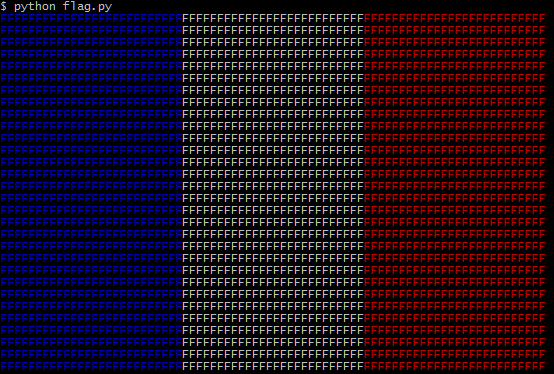
Uses ANSI escape codes to print colored characters to STDOUT - I chose "F" for France. No online link because ideone doesn't support ANSI escape codes in output.
Thanks to Dennis and xnor for some great tips.
Screenshot from xterm:
Grasshopper JS, 21 bytes
drawBoxes('bwr bwr');
Outputs this image:

ImageScript, 63 bytes
rgb(0,85,164)rect(0,0,200,400)rgb(239,65,53)rect(400,0,200,400)
Applesoft BASIC, 122 bytes
1GR
2COLOR=2
3M=13
4X=-1
5X=X+1
6VLIN0,25ATX
7IFX<M GOTO5
8IFM==26GOTO12
9COLOR=15
10M=26
11GOTO5
12COLOR=1
13M=39
14GOTO5

Asymptote 123 bytes
Run on http://asymptote.ualberta.ca/
fill(box((0,0),(26,52)),rgb(0,85,164));fill(box((26,0),(52,52)),rgb(255,255,255));fill(box((52,0),(78,52)),rgb(239,65,53));

05AB1E, 22 16 bytes
-4 bytes thanks to Kevin Cruijssen.
Ƶsç4«Ž1ÙSA««J₂F,
Try it online! Beats all other answers.
Swift + SwiftUI, entire iOS App, 195 bytes
project.pbxproj and other supporting files not included.
import SwiftUI
@main struct A:App{let body=WindowGroup{HStack(spacing:0){Color(red:0,green:1/3,blue:0.643)
Color.white
Color(red:0.937,green:0.255,blue:0.208)}.aspectRatio(1.5,contentMode:.fit)}}
Works best in dark mode, where the background isn't white:

ZX Spectrum BASIC, 10 bytes
(including the final end-of-line)
This does not fulfil the minimum flag size requirement, but I like this version, because it is so nice and compact. Please take it as a non-competing entry.

The hexadecimal dump is: F5 22 10 01 8A 10 02 8A 22 0D
Explanation:
PRINT is a keyword and takes one byte, 0xF5, its graphical representation includes the spaces around. The ZX Spectrum BASIC has one-byte colour codes, introduced by the 0x10 code for the foreground - 01 is for blue, 02 for red. 0x8A is a pseudographical character "▌", the left part of which is displayed in either blue or red.
The colours are of course from the standard ZX Spectrum palette - please adjust your PAL TV if the RGB values are not displayed quite correctly.
Despite the seemingly text mode of the program, the output is fully (bitmapped) graphical, as can be seen by looking into the VideoRAM. Thus there is no need to comply with the ANSI codes requirement, which the ZX does not support anyway (it has superior INK and PAPER commands).
C# (.NET Framework), 190 bytes
using System;class P{static void Main(){for(int j=0;j<52;j++)for(int i=0;i<3;i++){Console.ForegroundColor=(ConsoleColor)new[]{9,15,12}[i];Console.Write("".PadRight(26,'F')+(i>1?"\n":""));}}}
Processing, 111 bytes
size(78,52);noStroke();fill(#0055a4);rect(0,0,26,52);fill(255);rect(26,0,26,52);fill(#ef4135);rect(52,0,26,52);

Java (JDK 10), 86 bytes
v->{for(int i=0,x;i<4108;)System.out.printf((x=i++%79/26*3+4)<13?"[3%sm@":"\n",x%9);}
Notes:
- On TIO, it will print the characters, not the flag. To show the flag, run it in Bash.
- There is a
\u001bcharacter between"and[3%sm@.
Credits:
- steve for giving the idea of moving the
i++to a more appropriate place, sparing one byte.
PaperScript, 83 bytes
R=Path.Rectangle
R(0,0,49,98).fillColor="#0055a4"
R(98,0,49,98).fillColor="#ef4135"
PaperScript is an extension of JavaScript based on the Paper.js vector graphics library. You can run PaperScript code directly, without having to mess with the HTML and CSS, at sketch.paperjs.org.
This code is very straightforward: it draws a rectangle and colors it blue; then it draws another rectangle and colors it red. (The arguments to Path.Rectangle are x, y, width, and height, respectively.) The background is assumed to be white. Try it at Paper.js Sketch!
Output
Displayed at the top left of the canvas:

Excel VBA 62 bytes
VBE Immediate Window commands
[a1:d25].interior.colorindex=23:[i1:l25].interior.colorindex=3

Je préfère (en /bin/bash):
for i in {a..z}; do printf '\033[4%-28s' 4m 7m 1m; echo; done
Inspirée d'une autre contribution, mais les caractères ne fonctionnaient pas trop (escape)
Vive la République!
Tcl/Tk, 81 80
gri [can .c -bg #fff]
.c cr r 0 0 26 52 -f #0055A4
.c cr r 52 0 78 52 -f #EF4135

LibreLogo, 88 85 bytes
Code:
pc [24]lt 90 fd 26 fc 21924 rectangle[52,26]rt 180 fd 52 fc 0xef4135 rectangle[52,26]
Result:

Explanation:
pc [24]                     ; Pen Color = INVISIBLE
lt 90                       ; Left 90°
fd 26                       ; Forward 26 pt
fc 21924                    ; Fill Color = RGB(0, 85, 164)
rectangle [52, 26]          ; Rectangle 52x26 pt
rt 180                      ; Right 180°
fd 52                       ; Forward 52 pt
fc 0xef4135                 ; Fill Color = RGB(239, 65, 53)
rectangle [52, 26]          ; Rectangle 52x26 pt
Previous Attempts:
pc [24]lt 90 fd 26 fc 0x0055a4 rectangle[52,26]rt 180 fd 52 fc 0xef4135 rectangle[52,26]
Bash, 35 bytes
echo -e "\033[44m \033[m \033[41m "

Processing, 128 bytes
void setup(){size(90,60);fill(0,0,255);rect(0,0,30,60);fill(255);rect(30,0,60,60);fill(255,0,0);rect(60,0,90,60);}void draw(){}

ffmpeg, 110 113 116 117 119 108 100 bytes
Display, using ffplay, 100 bytes:
ffplay -f lavfi color=#0055a4:49x98[r];color=white:49x98[w];color=#ef4135:49x98[b];[r][w][b]hstack=3
Saved to file, using ffmpeg, 108 bytes:
ffmpeg -lavfi color=#0055a4:49x98[r];color=white:49x98[w];color=#ef4135:49x98[b];[r][w][b]hstack=3 -t 1 .png
The current version of the command will abort with an error BUT will output a single image ".png", same as shown below.

SmileBASIC, 55 bytes
GCLS-1GFILL.,0,26,52,-16755292GFILL 52,0,78,52,-1097419
PostScript, 48 bytes
Based on earlier (supposedly dodgy) postscript entry, optimized with a loop and 2-byte synonyms, also includes exact colours.
Hex dump:
00000000: 3020 2e33 3333 202e 3634 3388 0030 881a  0 .333 .643..0..
00000010: 8834 2e39 3337 202e 3235 3520 2e32 3038  .4.937 .255 .208
00000020: 8834 3088 1a88 3432 7b92 9d92 807d 9283  .40...42{....}..
ZX Spectrum Z80 assembly, 32, 30 Bytes
    org 8000h

red:      equ 16
white:    equ 120
blue:     equ 8


start:
    ld    c,16     ;height
    ld    e,8      ; blue/offset/counter
    ld    hl,5800h
sheldon:
    ld    b,e      ;counter
fun:
    ld    (hl),e   ;blue
    inc   hl
    djnz  fun
    ld    b,e      ;counter
with:
    ld   (hl),white
    inc  hl
    djnz with
    ld   b,e       ;counter
flags:
    ld   (hl),red
    inc  hl
    djnz flags
    ld   d,b       ;e holds offset
    add  hl,de
    dec  c
    jr   nz,sheldon
    ret

    end

    30 bytes
output is 24*8 pixels wide =192 pixels wide
and 16*8 pixels high =128 pixels high
edit 1: removed preload of de with two colours,shorter to directly load (hl):saves 1 byte
By not using "de" it can now transfer values instead of "a":saves 1 byte
FLIF, 37 bytes
FLIF is an excellent bitmap format for when you really want to squeeze some bytes away:
4c46 4649 3133 4e00 3400 1e27 2ce3 5d2f
ab15 8fdd c110 4117 8d25 5fa2 c8b6 d02d
fdfe af77 000a
Using viewflif:

Python, 67 63 bytes
Straightforward as PPM:
print"P6 78 52 255 "+(26*"\x00U\xff"+78*"\xff"+26*"\xefA5")*52
Usage:
python golf_france.py > france.ppm
Edit1: Binary PPM is shorter, haven't figured out how to use to strange codes directly in the strings.
Pure Bash (on OSX), 84
The default OSX terminal supports full colour emojis. Not sure if this counts as text or graphical output.
printf -vs %26s
for i in {1..26}
do echo ${s// /🔵}${s// /⚪️}${s// /🔴}
done
Output looks like:
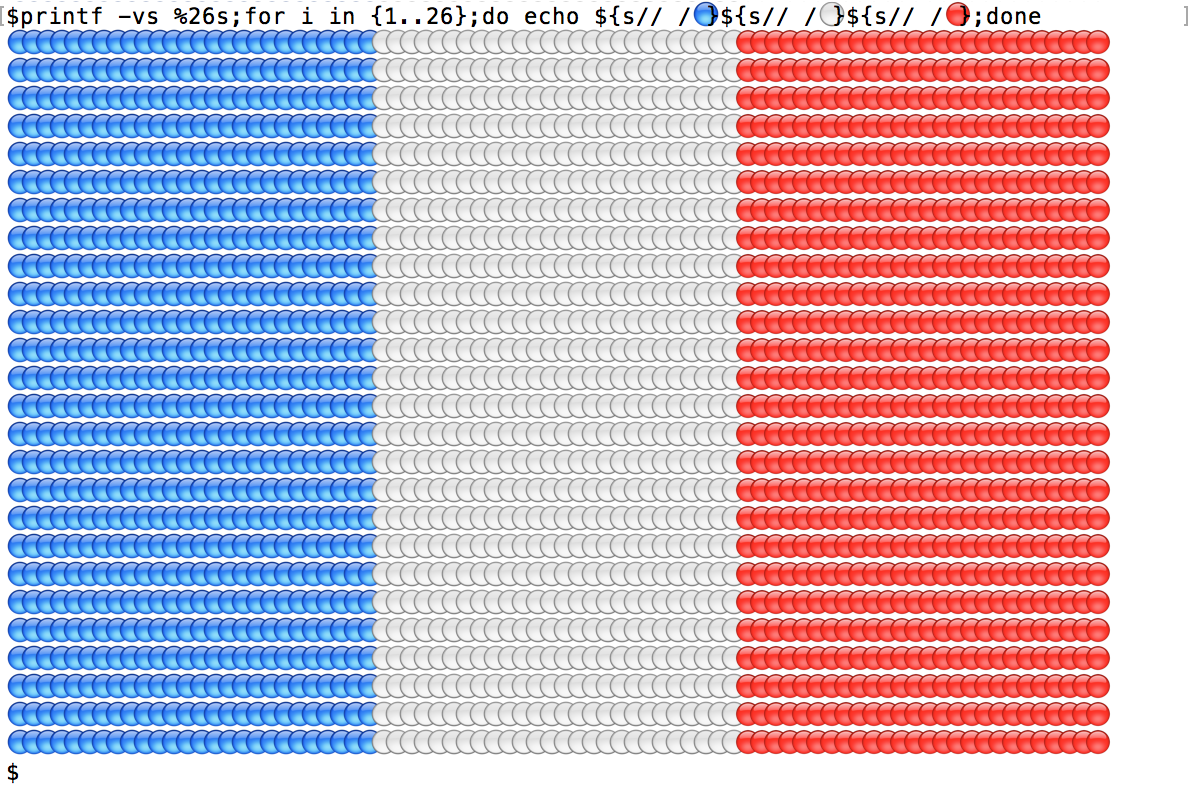
Alternatively:
Bash with OSX utilities, 56
yes `dc -e3do26^d1-dn2/*p|tr 201 🔵🔴⚪️`|sed 26q
The dc expression:
- calculates
3^26-1and prints it in ternary22222222222222222222222222 - divides this by 2, then multiplies by
3^26. Output in ternary this is1111111111111111111111111100000000000000000000000000
tr then translates the 210 characters to 🔵⚪️🔴.
yes outputs this line indefinitely.
sed 26q halts output at 26 lines.
JavaScript, 140 143 147 151 153 bytes
with(document)with(body.appendChild(createElement`canvas`).getContext`2d`)for(i=2;i--;fillRect(i*52,0,26,52))fillStyle=i?"#ef4135":"#0055a4"Edits
Saved 2 bytes by replacing
2*i*26withi*52. Thanks to Cᴏɴᴏʀ O'Bʀɪᴇɴ.Saved 4 bytes by refactoring the
for-loop. Thanks to ETHproductions.Saved 2 bytes by using the
with-statement. Thanks to Dendrobium.Saved 2 bytes by turning increment into decrement. Thanks to Shaun H.
Saved 3 bytes by replacing
fillStyle=["#0055a4","#ef4135"][i]withi?"#ef4135":"#0055a4".
HTML / SVG, 76 bytes 87 88 121 122 149
Saved 27 bytes thanks to @insertusernamehere
Saves 9 bytes thanks to @Joey
Saved 1 bytes thanks to @sanchies
Saves 1 bytes thanks to @Neil
<svg><path fill=#0055a4 d=m0,0h26v52H0 /><path fill=#ef4135 d=M52,0h26v52H52
Using lots of HTML syntax abuse, this can get pretty short.
Screenshot of output:

Or try it (make sure your browser supports SVG):
<svg><path fill=#0055a4 d=m0,0h26v52H0 /><path fill=#ef4135 d=M52,0h26v52H52Postscript, 136 bytes
/r{rlineto}def /b{translate newpath 0 0 moveto 0 2 r 1 0 r 0 -2 r closepath setrgbcolor fill}def 90 90 scale 0 .33 .64 1 1 b 1 0 0 2 0 b

Powershell, 173 bytes, 170 bytes, 155 bytes, 97 bytes!
$i=26;$y=0;function w($c){for($x=0;$x -le $i; $x++){write-host -noNewLine "F" -ForegroundColor $c}}for($x=0;$x -le $i; $x++){w("blue");w("white");w("red");write-host '';}
sal q write-host;$i=26;$y=0;function w($c){for($x=0;$x -le $i; $x++){q -noNewLine F -ForegroundColor $c}}for($x=0;$x -le $i; $x++){w("blue");w("white");w("red");q '';}
(Thanks to Cole Johnson for saving me 15 bytes):
sal q write-host;$i=26;function w($c){for($x=0;$x -le $i; $x++){q -noNewLine F -ForegroundColor $c}}for($x=0;$x-le$i;$x++){w("blue");w("white");w("red");q}
(Thanks Steve for saving me 58 bytes!!!)
sal q write-host;function w($c){1..26|%{q -noNewLine F -Foreground $c}}1..26|%{w(9);w(7);w(12);q}
Output:
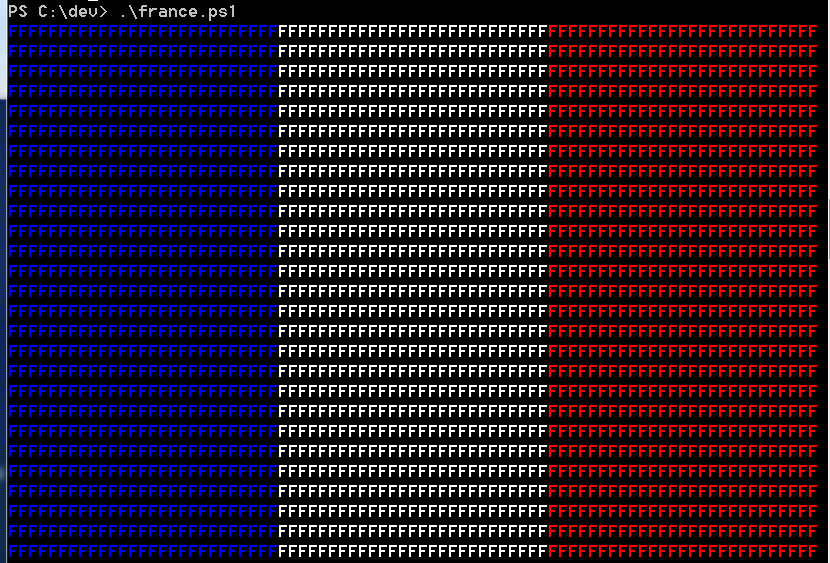
My first code golf, so I hope I didn't do something wrong.
C++ (Windows), 398 bytes
#include <iostream>
#include <Windows.h>
using namespace std;int main(){HANDLE h=GetStdHandle(STD_OUTPUT_HANDLE);int c=0;for(int i=0;i<52;++i){while(c<78){if(c<26){SetConsoleTextAttribute(h,FOREGROUND_BLUE);cout<<"F";}else if(c<52){SetConsoleTextAttribute(h,FOREGROUND_BLUE|FOREGROUND_GREEN|FOREGROUND_RED);cout<<"F";}else{SetConsoleTextAttribute(h,BACKGROUND_RED);cout<<" ";}++c;}c=0;cout<<endl;}}
My first submission! It's quite long, partly because setting console colour in Windows is long, and partly because I have no idea what I'm doing!
PowerShell, 152 bytes
sal w write-host;$v=" "*26;foreach($u in 1..26){;w $v -backgroundcolor blue -NoNewLine;w $v -backgroundcolor white -NoNewLine;w $v -backgroundcolor red}

CSS, 102 110 111 114 bytes
*{background:linear-gradient(90deg,#0055a4 33%,#fff 33%,#fff 66%,#ef4135 66%) 0 0/78px 52px no-repeatR, 57 bytes
barplot(c(1,1),,c(1),yaxt='n',col=c("#0055a4","#ef4135"))

C#, 176 bytes as a Program
A program that outputs the Full Block character 219, 78 wide, 52 tall. If your font is square, this will have the correct ratio.
using System;class P{static void Main(){for(int x,y=52;y-->0;)for(x=4;x-->1;Console.Write(new string('█',26)+(x<2?"\n":"")))Console.ForegroundColor=(ConsoleColor)(x%3*3+9);}}
Indentation and new lines for clarity:
using System;
class P{
    static void Main(){
        for(int x,y=52;y-->0;)
            for(x=4;x-->1;Console.Write(new string('█',26)+(x<2?"\n":"")))
                Console.ForegroundColor=(ConsoleColor)(x%3*3+9);
    }
}
C#, 157 bytes as a Function
I argue that the requirements did not require a program and that a function would suffice. In that case, I can drop the byte count substantially.
using System;void F(){for(int x,y=52;y-->0;)for(x=4;x-->1;Console.Write(new string('█',26)+(x<2?"\n":"")))Console.ForegroundColor=(ConsoleColor)(x%3*3+9);}
Indentation and new lines for clarity:
using System;
void F(){
    for(int x,y=52;y-->0;)
        for(x=4;x-->1;Console.Write(new string('█',26)+(x<2?"\n":"")))
            Console.ForegroundColor=(ConsoleColor)(x%3*3+9);
}
Python 3, 54 51 bytes
c="\033[0;4%sm ";print((c%4*30+c%7*30+c%1*30+"\n")*30)
c="\033[0;4%sm"+" "*30;print((c%4+c%7+c%1+"\n")*30)
Output:

Python 2, 46 bytes
s="[3%s;1m"+"#"*26;print(s%4+s%7+s%1+"\n")*30
There is a non-printable ESC character at the beginning of the format string:
$ hexdump -C f.py
00000000  73 3d 22 1b 5b 33 25 73  3b 31 6d 22 2b 22 23 22  |s=".[3%s;1m"+"#"|
00000010  2a 32 36 3b 70 72 69 6e  74 28 73 25 34 2b 73 25  |*26;print(s%4+s%|
00000020  37 2b 73 25 31 2b 22 5c  6e 22 29 2a 33 30        |7+s%1+"\n")*30|
0000002e
Coloured space character version:
s="[3%s;7m"+" "*26;print(s%4+s%7+s%1+"\n")*30
Tiny version, 44 bytes
Doesn't fit for the "at least 78 chars wide" requirements.
s="[3%s;7m"+" "*9;print(s%4+s%7+s%1+"\n")*9
CSS, 74 72 bytes
Note: every CSS code is also a valid Sass code: since Sass is a scripting language then this entry should be valid too :)
http://codepen.io/anon/pen/xweEBX?editors=010
*{box-shadow:33.3vw 0 #0055a4 inset,-33.3vw 0 #ef4135 inset;height:66.6vw}
The correct ratio is ensured by the height, expressed as 2/3 of the viewport width (clearly this lacks precision when the viewport is larger than 999px, but at least it is responsive :D )
Edit 1: (72 bytes) from the previous example, a space can be safely removed before each colour.
http://codepen.io/anon/pen/BoEXZP?editors=010
*{box-shadow:33.3vw 0#0055a4 inset,-33.3vw 0#ef4135 inset;height:66.6vw}
Result
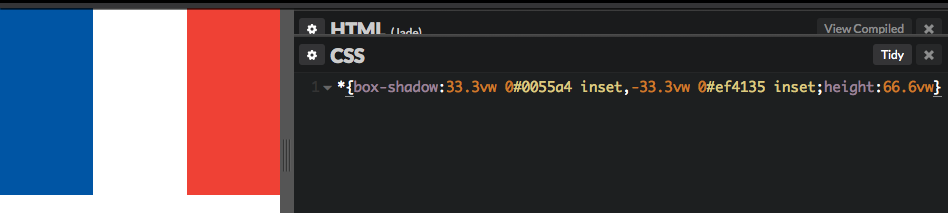
Note that with less code (68 bytes, since decimals are not needed in the box-shadow) it is possible to draw the 1853 naval variant, in 30:33:37 proportions, as suggested in a comment above
*{box-shadow:30vw 0#0055a4 inset,-37vw 0#ef4135 inset;height:66.6vw}
Perl, 90, 50 + 2 (-p flag) = 52 bytes 44 + 2 (-p flag) = 46 bytes
As nobody's done a Perl version yet, here we go:
$=sprintf "%c[44m%27s%c[47m%27s%c[41m%27s%c[40m\n",27,' ',27,' ',27,' ',27;print $ x 26;
$x=' ' x 27;$_="^[[44m$x^[[47m$x^[[41m$x^[[40m\n" x 26
$x=' 'x26;$_="^[[44m$x^[[47m$x^[[41m$x^[[0m\n"x26
Hexdump:
00000000: 2478 3d27 2027 7832 363b 245f 3d22 1b5b  $x=' 'x26;$_=".[
00000010: 3434 6d24 781b 5b34 376d 2478 1b5b 3431  44m$x.[47m$x.[41
00000020: 6d24 781b 5b30 6d5c 6e22 7832 360a       m$x.[0m\n"x26.
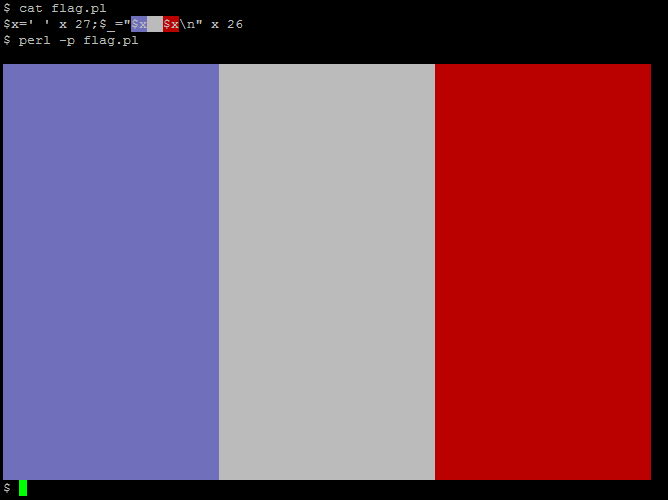
Java, 156 bytes
enum F{;public static void main(String[]a){String b="[3";for(int i=0;i<'࿘';i++)System.out.print((i%78<26?b+4:(i%78>51?b+1:b+7))+(i%78>76?"m#\n":"m#"));}}
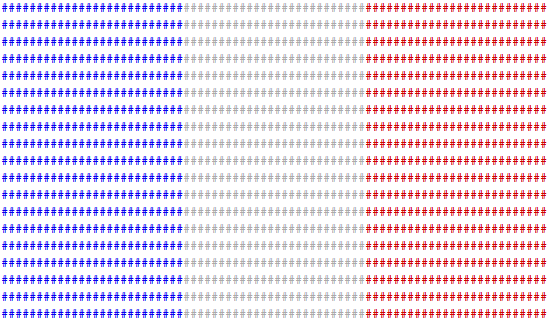
Used some old tricks like the unicode char used as an int in the loop and so earning a character (but not a byte), modulos (so there's only one loop) and some ternary expressions.
Nothing really special else.
x86 machine code, 34 bytes
00000000  68 00 b8 07 bb 40 1f 31  ff 83 e7 f0 89 d8 25 00  |h....@.1......%.|
00000010  f1 c1 c3 04 f6 c4 f0 74  f0 b1 1b f3 ab 85 ff 7f  |.......t........|
00000020  eb c3                                             |..|
00000022
Link to the .COM file - runs just fine in DOSBox:
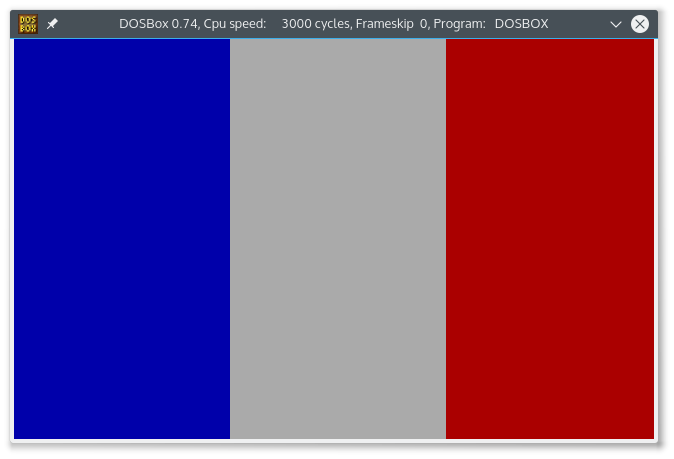
Notice that it doesn't hang after drawing - it's just that the prompt is left in blue not to ruin the result; you can quit from DOSBox as usual with exit, it'll work even if you don't see it while typing.
Commented assembly:
    ; usual .COM boilerplate
    org 100h

section .text

start:
    ; point the ES segment to the graphics memory
    push 0x0b800
    pop es
    ; bx is used (mainly) as repository for the background colors
    ; 1 => blue; f => white; 4 => red; 0 => flag for new row
    mov bx,0x1f40
    ; reset the destination pointer
    xor di,di
newrow:
    ; === start of a new row ===
    ; round down DI to multiples of 16, to avoid overflowing the row by one
    ; character (27*3 = 81, while the row is 80 characters)
    and di,0xfff0
span:
    ; === start of a span ===
    ; build the pattern to write; start with BX
    mov ax,bx
    ; adjust the pattern in AX:
    ; - keep the upper byte (background color);
    ; - leave blue as foreground color at the very end (avoid the prompt
    ;   ruining the flag when we exit);
    ; - put NUL as character to display;
    and ax,0xf100
    ; rotate bx, to switch to the next color pattern
    rol bx,4
    ; check if we got to the sentinel value (=> we finished one row)
    test ah,0xf0
    ; in this case, go back to newrow; this will re-align DI and do a new
    ; rotation on BX
    jz newrow
    ; fill the video memory with 27 times the word built above in AX
    mov cl,27
    rep stosw
    ; continue as far as DI is positive; notice that this way we keep writing
    ; well past the 25 lines limit, but doesn't seem to impact anything
    test di,di
    jg span
    ; otherwise exit; the point of this thing is to avoid a wraparound, which
    ; ends up unaligned, thus breaking the drawing
    ret
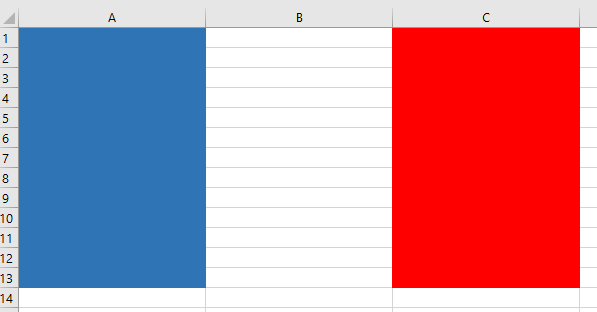
Visual Basic+Excel, 618 137 bytes
Just curious to see how this can be golfed.
EDIT: Curiosity sated, thanks to @Neil and @JimmyJazzx, 618 bytes dropped right down to 137 bytes
Sub a(): Columns("A:C").ColumnWidth = 26: Range("A1:A13").Interior.Color = RGB(0, 85, 164): Range("C1:C13").Interior.Color = RGB(239, 65, 53): End Sub
Tandy Color Computer 2 BASIC, 131 bytes
CLS:B$=CHR$(175):W$=CHR$(207):R$=CHR$(191):L$=B$+B$+B$+B$+B$+B$+W$+W$+W$+W$+W$+W$+R$+R$+R$+R$+R$+R$:?L$:?L$:?L$:?L$:?L$:?L$:?L$:?L$
Ungolfed (somewhat):
10 CLS
20 B$=CHR$(175)
30 W$=CHR$(207)
40 R$=CHR$(191)
50 L$=B$+B$+B$+B$+B$+B$+W$+W$+W$+W$+W$+W$+R$+R$+R$+R$+R$+R$
60 ?L$:?L$:?L$:?L$:?L$:?L$:?L$:?L$
I could save 4 bytes if I removed the clear screen code in the beginning (CLS) but it would like kinda gnarly seeing all the code listed on one line then the flag thereafter... otherwise, this clears the screen, assigns B$ the solid blue character, W$ the solid white character, and R$ the solid red character. Then creates a line (L$) with 6 each blue, white, red characters and writes 8 lines of that out to standard output.
This takes advantage of the upper ASCII codes in the Motorola 6847 VDG (Video Display Generator) chip that the CoCo 1 & 2 relied on; they were block graphic codes in any of 8 colors.
As the standard character size of the CoCo was 8 pixels wide by 12 pixels deep, the only way to get the correct ratio at the minimum size is to use 6 characters per color wide by 8 lines. 6*3*8=144 pixels wide, and 8*12=96 pixels deep. 144/96=1.5x wider than tall, or 3:2 ratio.
This also takes advantage of the '?' character being shorthand for the PRINT statement. If you list the ungolfed version of the program you actually will see 8 instances of 'PRINTL$:' instead of '?L$:' due to the tokenization of the '?' being equal to 'PRINT'. However, to my knowledge you can't list a one-liner (a.k.a. 'immediate mode') BASIC program.
Processing, 88 bytes
size(78,52);scale(26,52);stroke(-1);background(#EF4135);fill(#0055A4);rect(-2,-1,3.5,3);
LaTeX, 139 bytes
Thanks to @WChargin for saving 21 bytes.
\documentclass{proc}\input color\begin{document}\def\z#1!{{\color[rgb]{#1}\rule{4cm}{8cm}}}\z0,.33,.64!\z1,1,1!\z.94,.25,.21!\end{document}
This prints the following 12cm*8cm image on an A4 page:
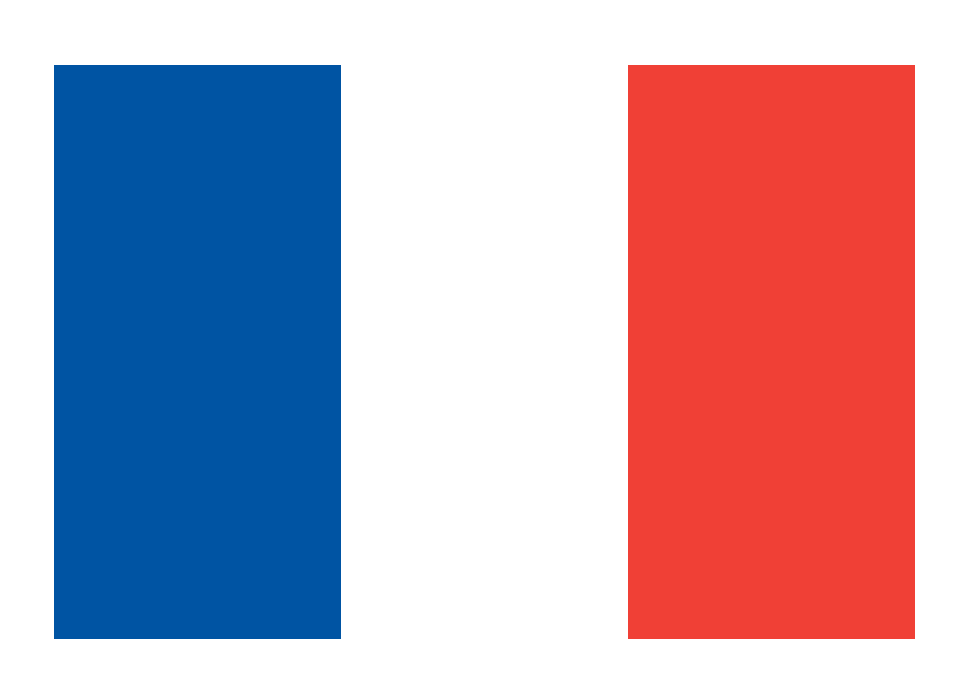
Note that "Page 1" is also printed at the bottom of the page
FLTK, 234 199 bytes
Function{}{}{Fl_Window{}{xywh{9 9 78 52}}{Fl_Box{}{xywh{0 0 26 52}box FLAT_BOX color 0x0055a4ff}Fl_Box{}{xywh{26 0 26 52}box FLAT_BOX color 7}Fl_Box{}{xywh{52 0 26 52}box FLAT_BOX color 0xef4135ff}}}
Ungolfed:
Function {} {} {
    Fl_Window {} {
        xywh {9 9 78 52}
    } {
        Fl_Box {} {
            xywh {0 0 26 52}
            box FLAT_BOX
            color 0x0055a4ff
        }
        Fl_Box {} {
            xywh {26 0 26 52}
            box FLAT_BOX
            color 7
        }
        Fl_Box {} {
            xywh {52 0 26 52}
            box FLAT_BOX
            color 0xef4135ff
        }
    }
}
Sample output:

HTML, 124 bytes
converted rob values mentioned in the question to the hex ones, that cuts off 13 bytes
<a><b><c><style>*{position:fixed;left:0;right:0;bottom:0;top:0}a{background:#0055A4;width:33%}c{background:#EF4135;left:66%;Very invalid HTML. Unclosed and non-standard elements (fun fact: I can't remove the last semicolon, doesn't render). If your window isn't resized to the aspect ratio of 3:2, I'd advice you to do it ;)
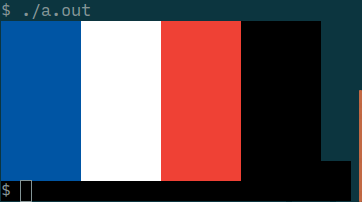
C, 115 bytes

#define c"[48;2;%d;%d;%dm%9c"
d=255;main(a){while(a++<9)printf(c c c c,0,85,164,0,d,d,d,0,239,65,53,0,0,0,0,10);}
Contains unprintables:
00000000: 2364 6566 696e 6520 6322 1b5b 3438 3b32  #define c".[48;2
00000010: 3b25 643b 2564 3b25 646d 2539 6322 0a64  ;%d;%d;%dm%9c".d
00000020: 3d32 3535 3b6d 6169 6e28 6129 7b77 6869  =255;main(a){whi
00000030: 6c65 2861 2b2b 3c39 2970 7269 6e74 6628  le(a++<9)printf(
00000040: 6320 6320 6320 632c 302c 3835 2c31 3634  c c c c,0,85,164
00000050: 2c30 2c64 2c64 2c64 2c30 2c32 3339 2c36  ,0,d,d,d,0,239,6
00000060: 352c 3533 2c30 2c30 2c30 2c30 2c31 3029  5,53,0,0,0,0,10)
00000070: 3b7d 0a                                  ;}.
For this program to work, a couple of things need to be true:
- The terminal supports the
ESC [48;2;<r>;<g>;<b>m"truecolor" escape sequence. - The terminal is not xterm, becase xterm's implementation of the above will produce slightly wrong colors.
- The terminal completely ignores NUL characters.
It also looks nicer if your terminal's background is black.
To change to height of the flag, pass command line arguments to the program. For every argument passed, the flag becomes one line shorter. It's not a bug, it's a feature!
Output:
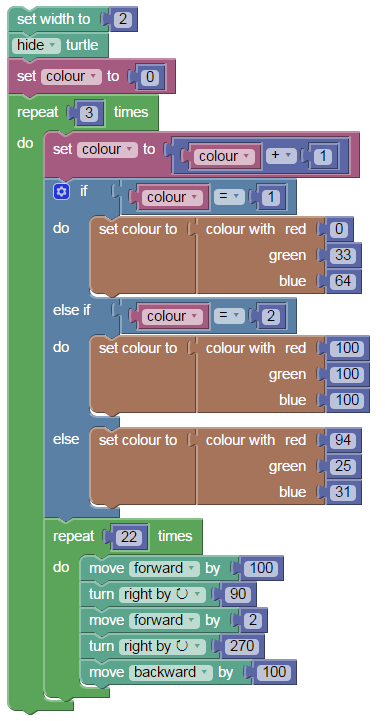
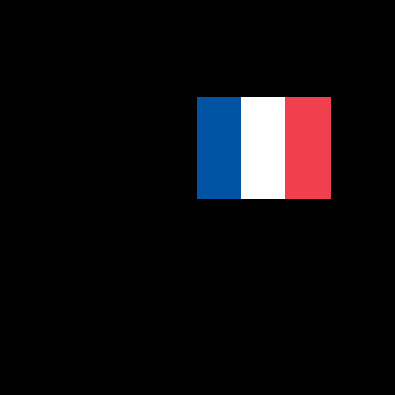
Python, 223 208 bytes
Thanks @Sp3000
from turtle import*
def D():fill(1);fd(100);rt(90);fd(200);rt(90);fd(100);rt(90);fd(200);rt(90);fill(0)
lt(180)
fillcolor("#0055a4")
D()
fillcolor("white")
goto(100,0)
D()
fillcolor("#ef4135")
goto(200,0)
D()
ActionScript, 90 bytes
var g=graphics,f=g.beginFill,d=g.drawRect;f(21924);d(0,0,26,52);f(0xef4135);d(52,0,26,52);
Ouput:

JavaScript 206 175
c=c.getContext('2d')
d=c.createImageData(w=78,h=52),a=Int32Array(d.data.buffer)
for(i=w*h;i--;)a[i]=-[6007552,1,13286929][i%w/26|0]
c.putImageData(d,0,0)
<canvas id=c></canvas>Here's something just for fun. The code can be modified to make all images on a page the french flag.
function france(g){
  var c =document.createElement('canvas')
  var x = c.getContext('2d');
  var w = c.width = g.width;
  var h = c.height = g.height;
  var d = x.createImageData(w,h);
  var a = new Int32Array(d.data.buffer);
  var s = w / 3;
  for(var i=w*h;i--;)a[i]=-[6007552,1,13286929][i%w/s|0];
  x.putImageData(d,0,0);
  g.src = c.toDataURL();
}

function allFrance() {
  var g = document.getElementsByTagName("img");
  for(var i = g.length; i--;) france(g[i]);
}

allFrance()
CSS, 86 bytes
This creates a simple border around the body element:
body{border-left:2cm solid #0055a4;width:2cm;height:4cm;border-right:2cm solid #ef4135This renders a 6x4cm flag, and should work on any file.
To test on a clean page, paste this on your address bar:
data:text/html,<style>body{border-left:2cm solid #0055a4;width:2cm;height:4cm;border-right:2cm solid #ef4135
URL-encoded:
data:text/html,%3Cstyle%3Ebody%7Bborder-left%3A2cm%20solid%20%230055a4%3Bwidth%3A2cm%3Bheight%3A4cm%3Bborder-right%3A2cm%20solid%20%23ef4135
Brainfuck$, 153 bytes
+++++++++++++[->>>++>+++++++>++++>>>>++++++++>+++<<<<<<<<<<]>>>+>>#->$#>$#+++++++>$--->+++++[<]<<+++++[->+++++>++++++<<]>+#>($#([-]>[.>]<[<])>>>>+++<<<<)
Outputs the image with ANSI color codes. I chose a height of 30 like Mego.
The reference implementation from 2009 linked on the esolangs page has gone missing. You can run it using this interpreter made by me, which supports everything from the esolangs page.
window.addEventListener("load",function(){document.querySelector("#r").addEventListener("click",function(){var c=document.querySelector("#c").value,u=document.querySelector("#i").value,d=Array(30000).fill(0),p=0,i=0,q=0,s=[],o=document.querySelector("#o");o.value="";eval(c.replace(/[^]/g,function(e,i){return{"+":"d[p]=(-~d[p]+256)%256;","-":"d[p]=(~-d[p]+256)%256;",">":"p++;","<":"p--;",",":"d[p]=q-u.length?u[q++].charCodeAt()%256:0;",".":"o.value+=String.fromCharCode(d[p]);","[":"while(d[p]){","]":"}","#":"s.push(d[p]);","$":"d[p]=s.pop();",";":"d[p]=(parseInt(prompt())%256+256)%256;",":":"o.value+=d[p].toString();","(":"for(var i"+i+"=d[p];i"+i+">0;i"+i+"--){",")":"}","@":"o.value+=('D '+d.slice(0,20)+'\\nS '+s+'\\nIP '+i+' DP '+p);"}[e]||"";}));});});<label for=c>Code:</label><br/><textarea style="width:100%;height:15em;white-space:pre" id=c>+++++++++++++[->>>++>+++++++>++++>>>>++++++++>+++<<<<<<<<<<]>>>+>>#->$#>$#+++++++>$--->+++++[<]<< init sequence to cells 3 to 10 +++++[->+++++>++++++<<] set cells 1~2 to 25 & 30 >+ set cell 1 to 26 # push 26 to stack > go to cell 2 ( do 30 times $# get 26 to this cell from stack ( do 26 times [-]>[.>]<[<] print sequence ) >>>>+++<<<< change color to white $# get 26 to this cell from stack ( do 26 times [-]>[.>]<[<] print sequence ) >>>>------<<<< change color to red $# get 26 to this cell from stack ( do 26 times [-]>[.>]<[<] print sequence ) >>>>+++<<<< change color to blue ++++++++++. print newline )</textarea><br/><button id=r>Run</button><br/><label for=i>Input:</label><br/><textarea id=i style="width:100%"></textarea><br/><label for=o>Output:</label><br/><textarea readonly id=o style="width:100%;height:15em;white-space:pre"></textarea>Brainfuck, 258 bytes
This is basically the same thing, but just in plain old Brainfuck.
>>+++++++++++++[-<<++>>>>++>+++++++>++++>++++>+++++>++++>++++++++>+++[<]<]>>+>>->>------>--->+++++[<]<<<++++[>+++++[->+++++<]>+[>>[.>]<[<]<-]>>>>>+++[<]+++++[-<+++++>]<+[>>[.>]<[<]<-]>>>>>------[<]+++++[-<+++++>]<+[>>[.>]<[<]<-]>>>>>+++[<]<++++++++++.[-]<<-]
Or, if you prefer this one in oOo CODE (984 bytes):
one day ThERe WIlL Be PEaCE iN ThIS wORlD
OnE DaY ThERe WiLl Be peaCe iN ThIS wOrld
one day theRe WIlL be pEaCE iN ThIS wORlD
OnE DaY theRe WIlL Be PEaCe in ThIS wORlD
OnE day ThERe WIlL Be PEaCe in ThIS wORlD
OnE day ThERe WIlL Be PEaCE iN ThIS wOrld
OnE DaY ThErE wilL bE PeaCe IN this woRlD
one day There will Be pEacE in ThiS woRld
one Day TheRe will Be PEaCE iN ThIS wOrLd
onE dAY thEre WilL Be PEaCE iN ThIs World
OnE DaY ThERe WIlL bE pEace in ThIS wORlD
OnE DaY thErE Will Be PeAce in this WoRLd
one dAY thErE wilL bE PeaCE in tHIs world
one day theRe WIlL Be PeAce iN tHIS wORlD
OnE DaY ThErE wIll be PEaCE iN ThIS wORlD
one dAY thERe WiLl be peace In THis worLD
onE dAy thErE WilL Be peACe in this world
one Day TheRe wIll Be pEace In thIs WORlD
OnE DaY ThERe WiLl Be peaCE iN ThIS wORlD
OnE day tHEre WIlL bE peace in tHiS World
oNE daY tHere WiLL be PEace IN this world
one day ThERe WIlL bE peaCe IN thIS wORlD
OnE DaY ThERe WIlL Be PEaCE iN THis WoRld
oNE daY thERe wiLL
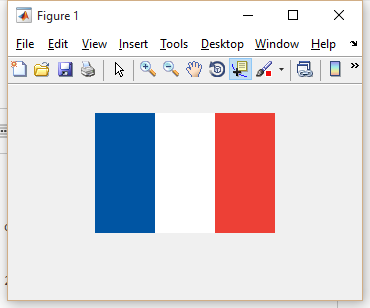
MATLAB, 70 bytes
Since I'm not entirely sure if it's just the online interpreter doing the scaling or whether that's an actual language feature in my Octave answer, here's my MATLAB version as well:
m=255;c=cat(3,[0 m 239],[85 m 65],[164 m 53]);imshow([c;c]/m,'I',6e3);
I stands for InitialMagnification.
Octave, 58 bytes
The online Octave interpreter seems to scale up by default, so the Octave answer is rather short, especially since you can use inline assignment.
imshow([c=cat(3,[0 m=255 239],[85 m 65],[164 m 53]);c]/m);
Lua + LÖVE, 176 174 bytes
l=love
g=l.graphics
l.window.setMode(78,52)
function l.draw()for k,v in next,{[0]={0,85,164},{255,255,255},{239,65,53}}do
g.setColor(v)g.rectangle("fill",k*26,0,26,52)end
end
Sample output:

C-Sharp, 4608, 1312, 687, 606 bytes
Thanks for your comments and suggestions. This is actually my first "published" piece of code ever! have been learning for about two-and-a-half months.
class P { static void Main(string[] args) { int l = 0; while (l < 24) { int B = 0; int R = 0; int W = 0; while (B < 26) { Console.BackgroundColor = ConsoleColor.DarkBlue; Console.Write(" "); B++; } while (W < 26) { Console.BackgroundColor = ConsoleColor.White; Console.Write(" "); W++; } while (R < 26) { Console.BackgroundColor = ConsoleColor.Red; Console.Write(" "); R++; } Console.WriteLine(); l++; } Console.BackgroundColor = ConsoleColor.Black; Console.ReadKey();}}
QBASIC, 88 122 Bytes
SCREEN 13
h=200
a=100
PALETTE 2,856123
PALETTE 1,2626816
LINE(0,0)-(a,h),1,BF
LINE(a,0)-(h,h),15,BF
LINE(h,0)-(300,h),2,BF
Edit: As was correctly pointed out, the colors did not meet the requirements. The corrected version is basically as close as one can get in QB as far as I know, since RGB in mode 13 are represented by 18 bits instead of 24 bit. The colors are (0,85,162), (255,255,255), (239,65,52). So blue is ever so slightly off the mark, but close enough I would say.
Here is it in QB64 (it's getting autoformatted there, but it's the same code):
JavaScript, 141 bytes
a='';for(j=0;j<24;j++){for(i=1;i<80;i++){a+="<d style='color:"+(78/i<1.5?'blue':(78/i<3?'white':'red'))+"'>F</d>"}a+="<br>"}document.write(a)(click "full page" to see the proper result)
Ruby with Shoes, 119 bytes
Shoes.app(width:78,height:52){strokewidth 0
[rgb(0,85,164),white,rgb(239,65,53)].map{|c|
fill c
rect$.,0,26,52
$.+=26}}
Sample output:

Javascript, 91 bytes
Not the most exciting one.
This one only works on Google Chrome. Current version is 46.0.2490.86m.
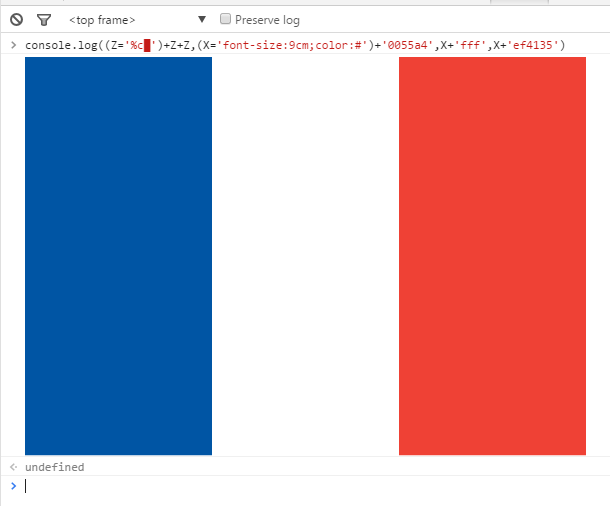
console.log((Z='%c▮')+Z+Z,(X='font-size:100px;color:#')+'0055a4','color:#fff',X+'ef4135')This draws the flag in the console.
Google Chrome has a pure white background for the console, and the default font weight allows it to have 33% of it's width.
This uses the BLACK VERTICAL RECTANGLE character to produce the output.
If you don't have Google Chrome, here's the output:
As an alternative, with 84 bytes:
console.log((Z='%c█')+Z+Z,(X='font-size:9cm;color:#')+'0055a4',X+'fff',X+'ef4135')This one uses the FULL BLOCK UTF8 character (\xDC in ASCII).
It produces a ~13x9cm flag on Chrome's console.
And this is the result:
CBM BASIC 7.0, 76 bytes
1fOi=1to26:?"r←";:goS3:?"e";:goS3:?"£";:goS3:?:nE:end
3fOj=1to26:?" ";:nE:reT
Note that in line 1, the characters between the quotation marks are PETSCII control codes which actually appear in reverse video on a real Commodore computer:
renables reverse video←changes the text colour to blueechanges the text colour to white£changes the text colour to red
It's not strictly ANSI, as specified in the question, but given the hardware limitations I think it's close enough. :)
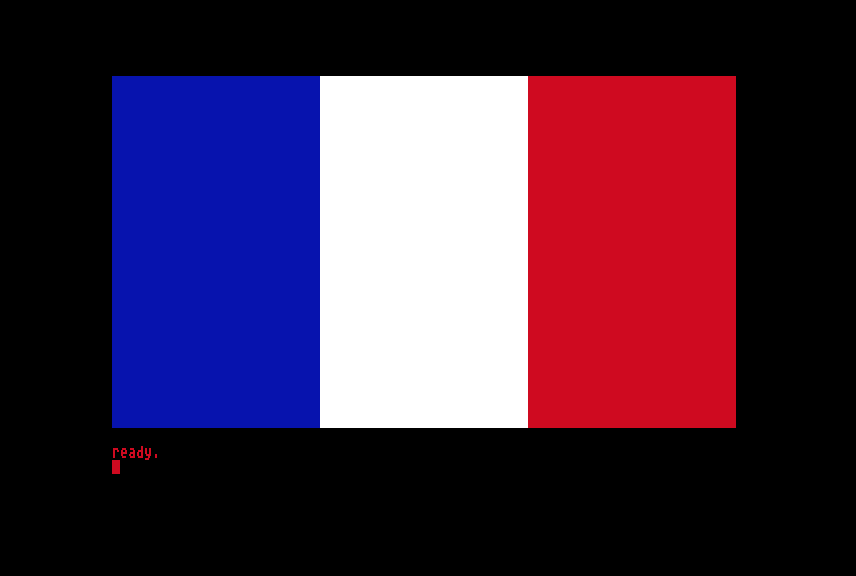
Here is an excerpt of the output on a Commodore 128 80-column display:
PHP, 70 bytes
0000000: 424d 0000 0000 0000 0000 2300 0000 0c00  BM........#.....
0000010: 0000 2001 c000 0100 0800 a455 00ff ffff  .. ........U....
0000020: 3541 ef3c 3f66 6f72 283b 3665 343e 2469  5A.<?for(;6e4>$i
0000030: 3b29 6563 686f 2063 6872 2824 692b 2b2f  ;)echo chr($i++/
0000040: 3936 2533 293b                           96%3);
The above is a hexdump which may be reversed with xxd -r. Alternatively, it may also be generated with the following PHP script:
<?=hex2bin('424d0000000000000000230000000c0000002001c00001000800a45500ffffff3541ef3c3f666f72283b3665343e24693b296563686f206368722824692b2b2f39362533293b');
I assume default settings, as they are without an .ini (you may disable your local .ini with the -n option). Produces a .bmp image (288 x 192), which should be piped to a file. This is as large as I can make it without affecting the byte count.
Sample Usage
$ xxd -r in.hex > france.php
$ php -n france.php > out.bmp
$ out.bmp
Output

CJam, 23 22 bytes
00000000: 27 9b 22 5c 22 25 1f 22 66 7b 69 27 6d 32 37 2a  '."\"%."f{i'm27*
00000010: 7d 4e 5d 32 36 2a                                }N]26*
The above is a hexdump that can be reversed with xxd -r.
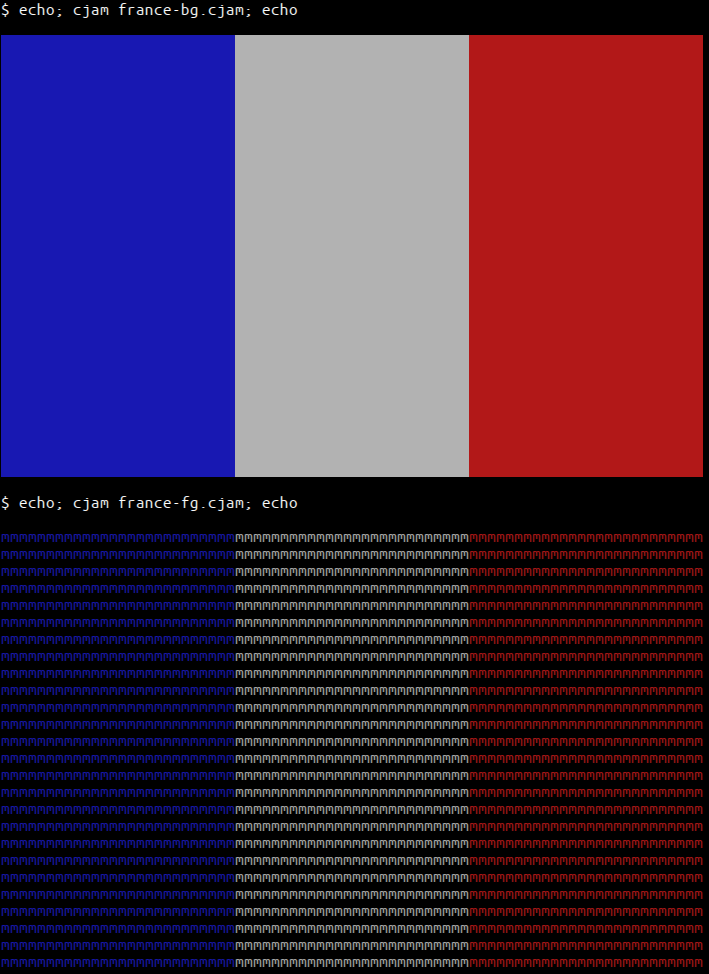
At the cost of two extra bytes – for a total of 24 bytes – we can use background colors instead, making the output a bit prettier.
00000000: 27 9b 22 2c 2f 29 00 22 66 7b 69 27 6d 53 32 36  '.",/)."f{i'mS26
00000010: 2a 7d 57 4e 74 32 36 2a                          *}WNt26*
How it works
In both programs, we use the ANSI escape sequence \x9bXYm – where X is 3 for foreground color and 4 for background color, and Y specifies the color to use – to switch between the three colors of the flag.
'<CSI>       Push the '\x9b' character (Control Sequence Introducer).
"\"%<US>"    Push the string of the ISO 8859-1 characters with code
             points 34, 37, and 31.
f{           For each character in the string, push the CSI and that
             character; then:
  i            Cast the character to integer.
  'm27*        Push 27 m's. The first completes the control sequence,
               the remaining 26 will be printed.
}
N]           Wrap the generated array and "\n" in an array.
26*          Repeat it 26 times.
The other program is similar.
Output
HTML (quirks mode), 68 bytes
This uses quirks mode to render the flag.
The HTML is VERY invalid, but works on a stock Android 4.4.2 browser and on Firefox 42.0 (on Windows 7 x64).
<table width=78 height=52><td bgcolor=0055a4><td><td bgcolor=ef4135>The flag is rendered with the right size and the standard red and blue colors. All webpages start with a standard white background.
As an alternative:
A perfectly valid HTML5 version (141 bytes):
<!DOCTYPE html><title>x</title><table style=width:78px;height:52px><tr><td style=background:#0055a4><td><td style=background:#ef4135></table>Check it's validity on: https://html5.validator.nu/
Print-screen of the result:
CSS, 127 128 144 bytes
body:before,body:after{content:'';float:left;width:33%;height:100%;background:#0055a4}body:after{float:right;background:#ef4135}
No need for another tag, works solely with the body-element.
Edits
- Saved 16 bytes by removing
display:block;and some;. - Saved 1 byte, removed the trailing
}.
TI-Basic, 52 44 42 bytes
GridOff
AxesOff
11
Shade(-Ans,Ans,Xmin,Xmin/3
Shade(-Ans,Ans,Xmax/3,Xmax,1,1,Ans
(assumes a default [-10,10,1] by [-10,10,1] graph area)
Would be 4 bytes shorter without the first 2 lines, but by default would have axes and would not look as nice.
Looks like this:
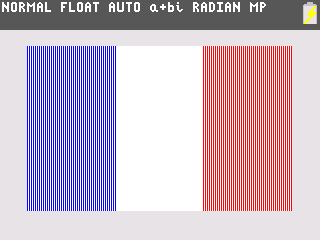
If the shading is invalid for the challenge, let me know!
Without the first 2 lines, it looks like this:
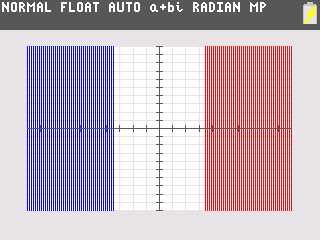
Unix Shell, 57 bytes.
for i in {a..z}
do printf ␛[4%-28s 4m 7m 1m
echo ␛[m
done
The escapes are in the script literally. On most color terminals you can change 47 to 107 to get a brighter white, but that's not ANSI standard. The script ends up being 61 bytes then. The 28 rather than 26 is because the color code 'steals' two characters from the field width.
Obligatory xxd dump:
0000000: 666f 7220 6920 696e 207b 612e 2e7a 7d0a  for i in {a..z}.
0000010: 646f 2070 7269 6e74 6620 1b5b 3425 2d32  do printf .[4%-2
0000020: 3873 2034 6d20 376d 2031 6d0a 6563 686f  8s 4m 7m 1m.echo
0000030: 201b 5b6d 0a64 6f6e 65                    .[m.done
On a terminal that supports 8-bit control codes it can be made slightly shorter, for 55 bytes.
0000000: 666f 7220 6920 696e 207b 612e 2e7a 7d0a  for i in {a..z}.
0000010: 646f 2070 7269 6e74 6620 9b34 252d 3238  do printf .4%-28
0000020: 7320 346d 2037 6d20 316d 0a65 6368 6f20  s 4m 7m 1m.echo
0000030: 9b6d 0a64 6f6e 65                        .m.done
EDIT: It has come to my attention that ANSI-based solutions are required to draw text in non-white space characters. I have a solution of 65 characters that does so, but I would like someone to explain the reason for the requirement before I post it.
Ruby, 56 47 45 bytes
ASCII
$><<"\e[34z\e[37z\e[31z\n".gsub(?z,?m*27)*52
PostScript, 128 bytes.
%!PS
<</PageSize[78 52]>>setpagedevice
0 .333 .643 setrgbcolor
0 0 26 52 rectfill
.937 .255 .208 setrgbcolor
52 0 26 52 rectfill
Questionable PS version, 84 bytes
0 .33 .64 setrgbcolor
0 0 26 52 rectfill
.94 .25 .21 setrgbcolor
52 0 26 52 rectfill
This may not have exact color matches (though they should be indistinguishable to the human eye), may render in the corner of a larger page, and some interpreters may not accept it without the magic line at the beginning.
I can't test right now, but it may be possible to save some bytes by using a subroutine:
/a{setrgbcolor rectfill}def
0 0 26 52 0 .33 .64 a
52 0 26 52 .94 .25 .21 a

%!PS
/a{setrgbcolor rectfill}def
0 0 26 52 0 .33 .64
52 0 26 52 .94 .25 .21<</PageSize[78 52]>>setpagedevice
a a
Javascript (ES6) 117 bytes
Draws it in the console
for(i=c=s=[];i<156;c[i++]=`color:${[,'blue','#fff'][i%3]||(s+=`
`,'red')}`)s+='%c'+'+'.repeat(26);console.log(s,...c)
Ruby, 77 bytes
puts"P3\n78 52\n255","#{"0 85 164 "*26+"255 255 255 "*26+"239 65 53 "*26}"*52
Output (converted to png, since ppm doesn't seem to be supported):

Outputs in ppm format to STDOUT. Still working on plusgolfing. I know ppm can take bytes instead of ascii, but I haven't figured out a good way to do that yet.
Mathematica, 63 94 103 bytes
When I first saw this challenge, I thought Sweet! Mathematica would be perfect for this! until I noticed that built-ins were banned :'(
But wait! I can use bar graphs!
r=RGBColor;BarChart[{1,1,1},ChartStyle->{r@"#0055a4",White,r@"#ef4135"},BarSpacing->0,AspectRatio->2/3]
(Thanks to Martin Büttner for shaving off 5 bytes but adding 16)
Looks like this:
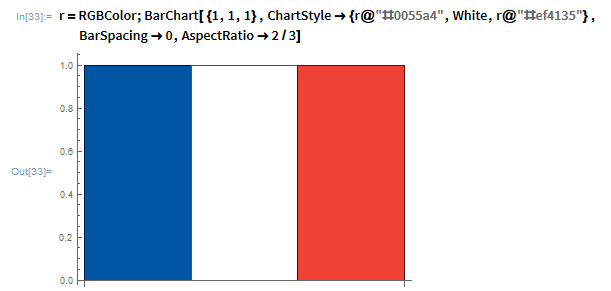
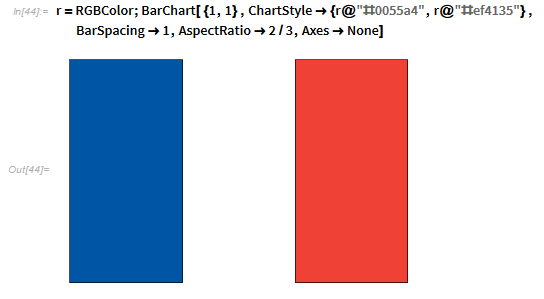
If you add ,Axes->None it looks like this:
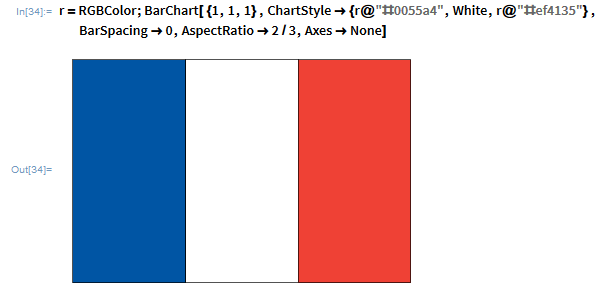
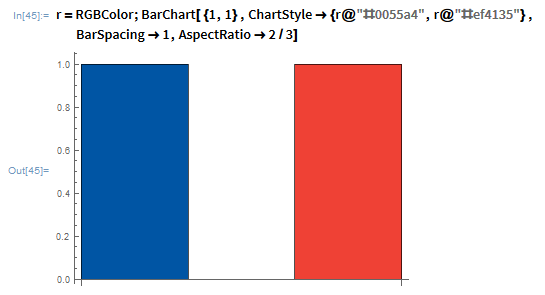
If you don't care about the border, you can use this: (95 bytes)
r=RGBColor;BarChart[{1,1},ChartStyle->{r@"#0055a4",r@"#ef4135"},BarSpacing->1,AspectRatio->2/3,Axes->None]
Looks like this:
Without axes:
Scala, 84 bytes
Using ANSI colors, Running on bash (Ubuntu)
val (p,b)=("\033[;3","\u2588"*26);(1 to 52).map(_=>println("471".mkString(p,"m"+b+p,"m"+b)))
Befunge-98, 170 bytes
a"552"a"25 87"a"3P"ck,dd+20pv
_v#p02:-1g02,k8"0 85 164 "  <
v>d6*20p#4
<_v#p02:-1g02,k3"255 "
v >dd+20p
>" 35 56 932"9v>
_v#p02:-1g02,k<^
a<v_@#p29:-1g29,
v >"<"00pdd+20p
Outputs the image in PPM format. It's probably still not optimal.
pb, 68 bytes
cw[Y!52]{cccw[X!26]{b[77]>}ccccw[X!52]{b[77]>}cw[X!78]{b[77]>}<[X]v}
Wow, a challenge that pb is actually kinda good for! Those are few and far between.
When I was writing the spec for pb, I included coloured output mostly as a joke. The language was named after a "paintbrush", why would it not do colour? Other than example programs, this is the second time I've ever used it. It is implemented with ANSI codes as the question requires.
I used 'M' as the character to output with because it's fairly dense.
Output:
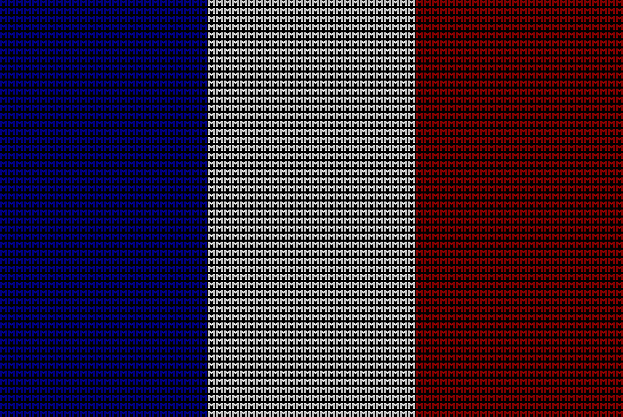
I resized that screenshot vertically to be two thirds of its height because letters aren't square. The output is 78 by 52, but the original screenshot looks really wrong.
With comments and indentation and junk:
c               # Increase output colour by 1
                # 0 (White) -> 1 (Red)
                # Loop ends with output colour == 1, this is cheaper than
                # setting it back to white every time.

w[Y!52]{        # While the brush's Y coordinate is not 52:
    ccc           # Increase output colour by 3
                    # 1 (Red) -> 4 (Blue)

    w[X!26]{      # While the brush's X coordinate is not 26:
        b[77]       # Write 'M' at the brush's coordinates
        >           # Increase X coordinate by 1
    }

    cccc          # Increase output colour by 4
                    # 4 (Blue) -> 8 mod 8 = 0 (White)

    w[X!52]{      # While the brush's X coordinate is not 52:
        b[77]       # (same as before)
        >
    }

    c             # Increase output colour by 1
                    # 0 (White) -> 1 (Red)

    w[X!78]{      # While the brush's X coordinate is not 78:
        b[77]       # (same as before)
        >
    }

    <[X]          # Set X back to 0
    v             # Increase Y by 1
}
Marbelous, 122 bytes
@0
--34
=0Ro
\/@0
:Ro
}0
..1B'['0'm0A
Bl1B'['4'1'm
Bl1B'['4'7'm
Bl1B'['4'4'm
{0
:Bl
@0
--1A
=0PS
&0@0
}0
&0
{0
:PS
}0
{0'F
Main board calls Ro 52 times. Ro prints one row including 3 color codes, 3 blocks of spaces, 1 color reset, 1 newline. Bl prints 26 spacesFs. PS prints one space F.
Javascript, 109 98 96 91
Attempt 1 109
var i=0,a='%cFRANCE',b='color:#';for(;i<6;i++)console.log(new Array(4).join(a),b+'0055A4',b+'FFF',b+'EF4135')
Attempt 2 98
for(var i=0;i<6;i++)console.log('%cFRANCE'.repeat(3),'color:#0055A4','color:#FFF','color:#EF4135')
Attempt3 120
eval("console.log(('%cFRANCE'.repeat(3)+'\\n').repeat(6)"+",'color:#0055A4','color:#FFF','color:#EF4135'".repeat(6)+")")
Attempt 3 solves the issue with chrome forcing them together still attempt 2 works for me in ff.
No longer and issue just enable time stamps in options for console logging.
Attempt 4 96
var i=0,c='color:#';for(;i<6;i++)console.log('%cFRANCE'.repeat(3),c+'0055A4',c+'FFF',c+'EF4135')
Attempt 5 91
for(i=0,c='color:#';i<6;i++)console.log('%cFRANCE'.repeat(3),c+'0055A4',c+'FFF',c+'EF4135')
Moved var decs into for loop saved 5 bytes :D
Try it out here :).
for(i=0,c='color:#';i<6;i++)console.log('%cFRANCE'.repeat(3),c+'0055A4',c+'FFF',c+'EF4135')R, 59 bytes
frame();rect(0:2/3,0,1:3/3,1,,,c("#0055a4",0,"#ef4135"),NA)
Output is displayed:

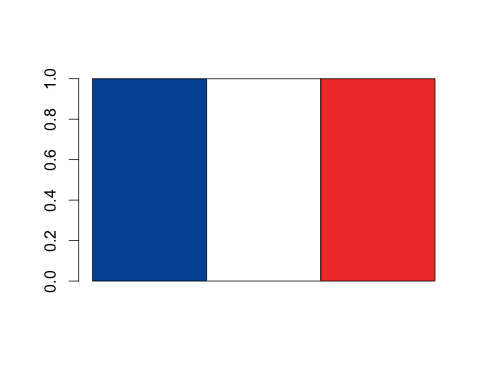
One can also do 49 bytes with
barplot(rep(1,3),,0,col=c("#0055a4",0,"#ef4135"))
if you do not mind the axes and borders:
Desmos, 30 12 bytes
3x>10
3x<-10
I'm not entirely sure if this is valid, please let me know if there are any issues.
Dyalog APL (47 44)
⎕SM←↑1 21 41{(''⍴⍨2/20)1⍺,⍵,⍨4↑0}¨2*8 11 10
Result:

Mathematica, 131 bytes
".png"~Export~ImageCrop@Graphics[{RGBColor@"#0055a4",{0,0}~Rectangle~{1,2},RGBColor@"#ef4135",{2,0}~Rectangle~{3,2}},ImageSize->82]
Saves to a file named .png in the current working directory.
MATLAB, 82 79 78 bytes
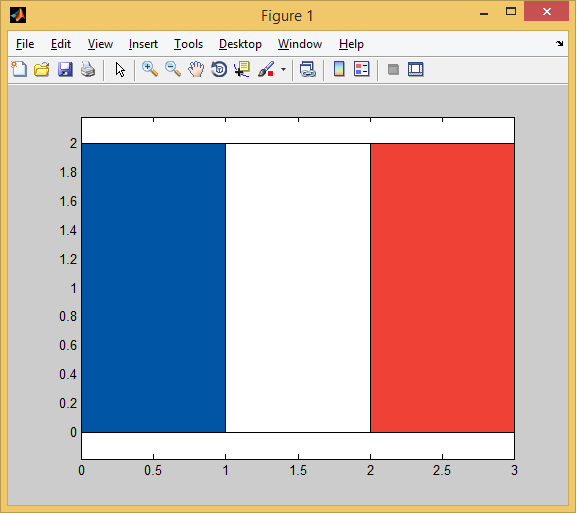
x=[0 1 1 0];y(3:4)=2;fill(x,y,[0 85 164]/255,x+1,y,'w',x+2,y,[239 65 53]/255)
Output looks like:
ShaderToy (GLSL), 147 bytes
void mainImage(out vec4 o,vec2 i){float x=i.x/iResolution.x*3.0;vec3 w=vec3(255,255,255);o=vec4((x<1.0?vec3(0,85,164):x<2.0?w:vec3(239,65,53))/w,1);}
Not particularly exciting. I'm sure there are ways to golf it more; I'll take a crack when I get home.
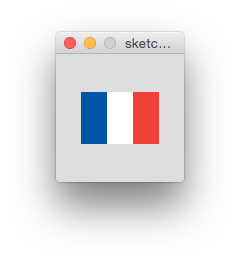
Processing, 100 Bytes
size(78,52);background(255);noStroke();fill(#0055A4);rect(0,0,26,52);fill(#EF4135);rect(52,0,26,52);
Displays this:
(The naive solution is shorter than my first one.)
Octave, 77 76 bytes
s(98,49)=0;imshow(cat(3,[s w=s+255 w-18],[s+35 w s+41],[s+149 w s+57])/255);
Displays the image:

Bash + ImageMagick, 60 77 73 bytes
convert -sample 78x52\! - a<<<"P3 3 1 255 0 85 164 255 255 255 239 65 53"
(ugh, +17 chars due to color requirements I didn't notice earlier...)
Outputs to the file a, in netpbm format:
llama@llama:~$ convert -sample 78x52\! - a<<<"P3 3 1 255 0 85 164 255 255 255 239 65 53"
llama@llama:~$ file a
a: Netpbm image data, size = 78 x 52, rawbits, pixmap
Can also output in PNG, if you change the filename to a.png (+4 chars).
Output:

Pyth, 27 bytes
.w*52[smmdGc3CM"\0U¤ÿÿÿïA5
There are some unprintable chars, so here's a hexdump:
00000000   2E 77 2A 35  32 5B 73 6D  6D 64 47 63  33 43 4D 22  .w*52[smmdGc3CM"
00000010   5C 30 55 A4  FF FF FF EF  41 35                     \0U.....A5
This creates a file o.png, which is exactly 78 pixels wide and 52 pixels tall:

Explanation:
.w*52[smmdGc3CM"........
               "........  a string containing the bytes
                          0, 85, 164, 255, 255, 255, 239, 65, 53
             CM           convert them to integers
           c3             split into 3 lists
      smmdG               duplicate each list 26 times
     [                    put them into a list
  *52                     and duplicate it 52 times
.w                        save it as an image o.png
Blitz 2D/3D, 154 108 bytes
This produces exactly the same thing as the example given in the question (except for the anti-aliasing at the edges where colors meet).
Graphics 800,533
ClsColor 255,255,255
Cls
Color 0,35,149
Rect 0,0,267,533
Color 237,41,57
Rect 533,0,267,533
Output is displayed and it looks like this: