| Bytes | Lang | Time | Link |
|---|---|---|---|
| 061 | Google Sheets + Apps Script | 241022T084954Z | doubleun |
| 159 | C + Win32 | 170421T121910Z | jdt |
| 037 | APL dzaima/APL | 201031T094448Z | Razetime |
| 232 | glslsandbox | 171127T162935Z | PrincePo |
| 010 | Scratch | 170420T220513Z | anna328p |
| 045 | Tcl/Tk | 170421T231101Z | sergiol |
| 062 | Excel VBA | 171103T191146Z | Taylor R |
| 065 | Processing | 170606T103608Z | George P |
| 026 | 8086 machine code | 170421T180531Z | user5434 |
| 065 | UCBlogo with wxWidgets | 170424T225241Z | Gilles & |
| 071 | Clojure | 170421T172541Z | Carcigen |
| 180 | Lua love2d Framework | 170424T140608Z | Lycea |
| 8277 | Python2 and Python3 | 170424T134534Z | Wayne We |
| 051 | SmileBASIC 2 | 170421T131318Z | snail_ |
| 001 | TIBasic | 170424T110839Z | Timtech |
| nan | HTML + CSS + JavaScript ES6 | 170422T150739Z | darrylye |
| 079 | Processing | 170421T095329Z | user4180 |
| 062 | HTML + JavaScript ES6 | 170421T101327Z | Tom |
| 169 | Haskell | 170421T163637Z | nimi |
| 353 | Java 7 | 170422T060555Z | tonychow |
| 093 | Processing | 170421T235430Z | Dat |
| 077 | Turing | 170421T141449Z | Business |
| 148 | HTML + Javascript | 170421T134443Z | jdt |
| 059 | SpecBAS | 170421T132723Z | Brian |
| 053 | SmileBASIC | 170421T130912Z | 12Me21 |
| 126 | JavaScript ES6 | 170420T214439Z | powelles |
| 138 | Javascript + jQuery | 170420T214703Z | Neil |
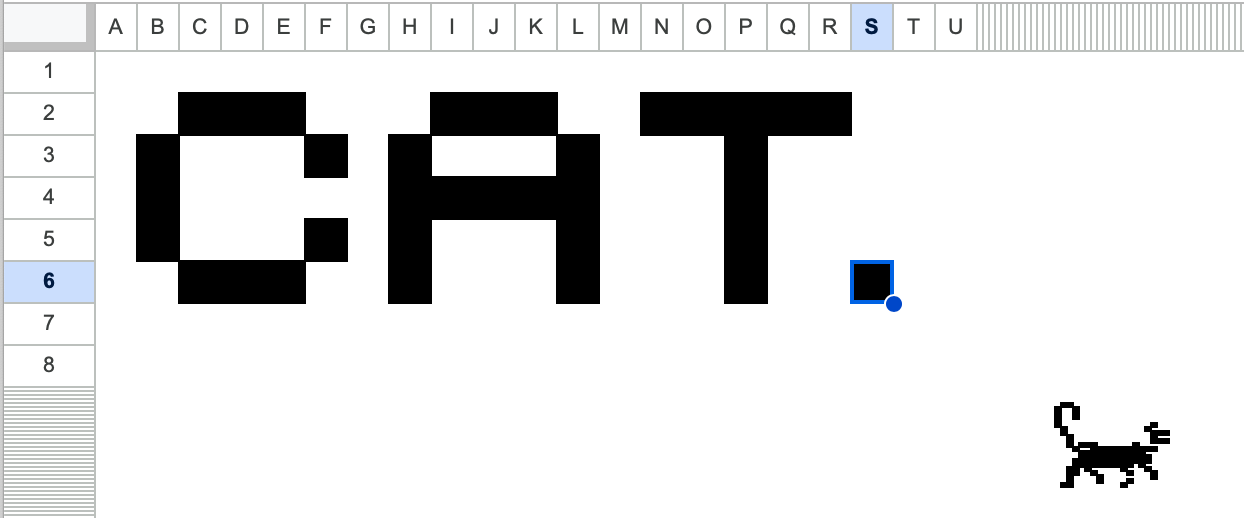
Google Sheets + Apps Script, 61 bytes
function onSelectionChange(e){e.range.setBackground('black')}
Runs automatically on a simple trigger. Bonus: variable pixel size.
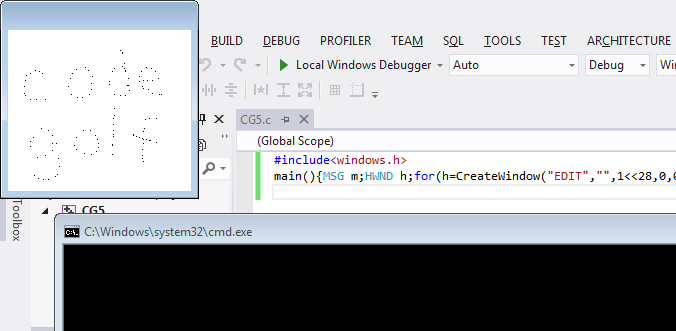
C + Win32, 209 200 195 178 159 bytes
- 2022 Update: Saved 19 bytes by removing
#include <windows.h>.
short m[9];main(h){for(h=CreateWindowExA(0,"EDIT","",1<<28,0,0,199,199,0);GetMessageA(m,h,0,0);m[4]^513?DispatchMessageA(m):SetPixel(GetDC(h),m[12],m[13],0));}
Thanks, Cody and Quentin! I was hoping to get rid of the #include <windows.h> but this leads to all sort of errors. At least it is working correctly with multiple monitors...
Saved 17 bytes thanks to inspiration by @c--
glslsandbox 232 bytes
Old post but found this interesting.
Since processing already been done I decided to do something different.
This draws whether the mouse is pressed or not, so not what pydude asked for but almost.
#ifdef GL_ES
precision lowp float;
#endif
uniform float time;uniform vec2 mouse,resolution;uniform sampler2D t;void main(){vec2 f=gl_FragCoord.xy,r=resolution;gl_FragColor=vec4(time<2.||length(f-mouse*r)>2.&&texture2D(t,f/r).x>.1);}
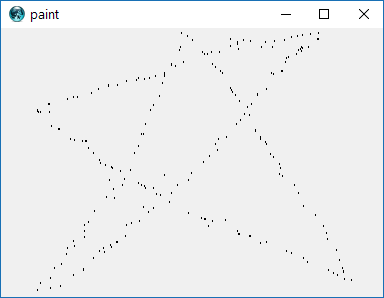
Tcl/Tk, 45 46 51 57
gri [can .c]
bind . <1> {.c cr o %x %y %x %y}
Excel VBA, 62 Bytes
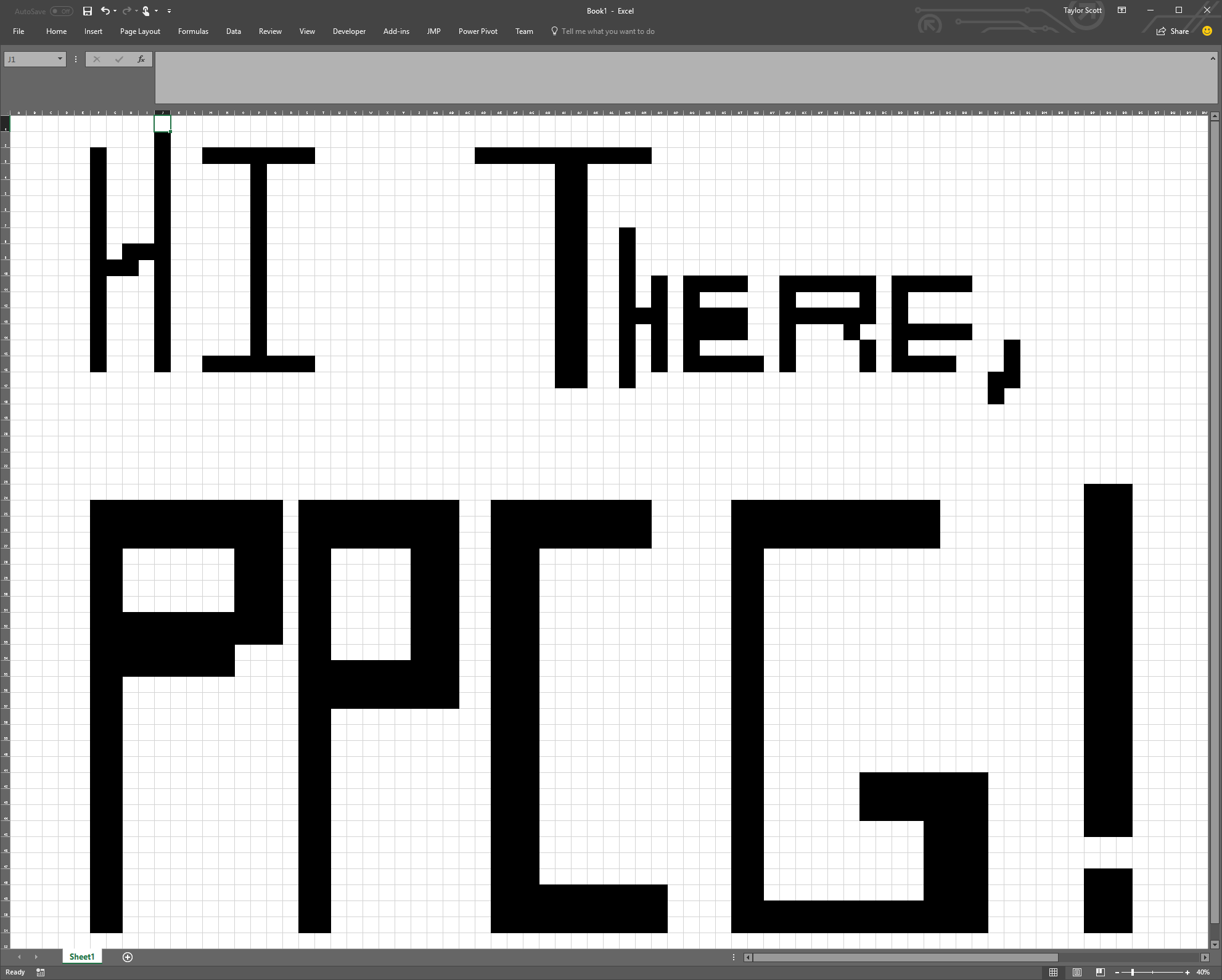
Anonymous VBE immediate window function that allows the user to draw on the any sheet by simply selecting it
Cells.RowHeight=48:Do:DoEvents:Selection.Interior.Color=0:Loop
Sample Output
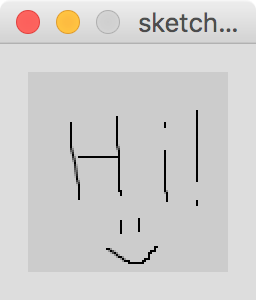
Processing, 65 bytes
void draw(){if(mousePressed)line(mouseX,mouseY,pmouseX,pmouseY);}
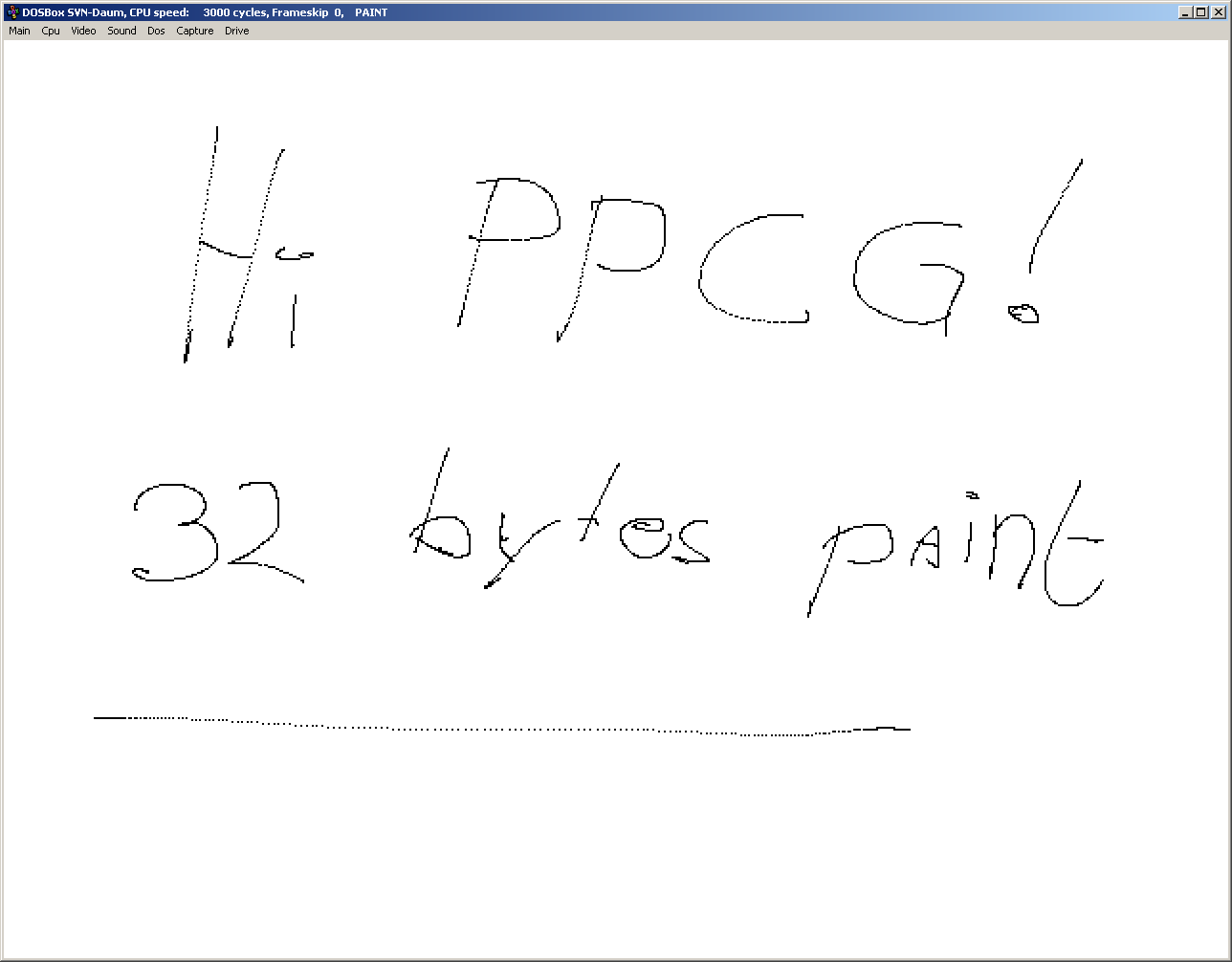
8086 machine code, 32 31 28 26 bytes
00000000  b8 0f 00 cd 10 b8 02 10  ba 18 01 cd 10 b8 03 00  |................|
00000010  cd 33 4b b8 01 0c eb f3  3f 00                    |.3K.....?.|
0000001a
Assumes the presence of a VGA graphics card, and any Microsoft-compatible mouse driver.
-2 bytes thanks to @berendi!
How it works:
            |   org 0x100
            |   use16
b8 0f 00    |       mov ax, 0x000f      ; set screen mode: 640x350 monochrome
cd 10       |       int 0x10            ; call video bios
b8 02 10    |       mov ax, 0x1002      ; set palette
ba 18 01    |       mov dx, palette     ; pointer to palette data
cd 10       |   @@: int 0x10            ; call video bios
b8 03 00    |       mov ax, 0x0003      ; get mouse position in (CX, DX) and button status in BL
cd 33       |       int 0x33            ; call mouse driver
4b          |       dec bx              ; if no buttons pressed, --BX = 0xFFFF (invalid page)
b8 01 0c    |       mov ax, 0x0c01      ; plot pixel with color AL at (CX, DX) in page BH
eb f3       |       jmp @b              ; repeat
3f 00       |   palette db 0x3f, 0x00   ; palette in 2:2:2 rgb. color 0 = white, 1 = black.
            |                           ; this should be a 17-byte struct, but we only care about the first two colors here
That's all there is to it. No magic involved, just a few function calls.
UCBlogo with wxWidgets, 65 bytes
setbg 7
setpc 0
ht
pu
make "buttonact[setpos clickpos pd fd 1 pu]
Explanation (the code assigned to the variable buttonact is executed on each button click):
SetBackground 7 ; white
SetPenColor 0 ; black
HideTurtle
PenUp
make "buttonact [
  SetPos ClickPos
  PenDown
  Forward 1
  PenUp
]
At least, I think this works. It should according to the documentation, but apparently the buttonact variable only works in a wxWidgets build and I'm struggling to build UCBLogo with wxWidgets on a modern Linux (waddyamean you can't cast a pointer to int and back?).
UCBlogo without wxWidgets, 73 bytes
To see the intended effect, you can run this longer version with an infinite loop.
setbg 7 setpc 0 ht pu
while[1=1][setpos mousepos if[button?][pd] fd 1 pu]
But this crashes ucblogo on my machine... Looks like a race condition.
UCBlogo, actually working on my machine, 80 bytes
setbg 7 setpc 0 ht pu
while[1=1][setpos mousepos if[button?][pd] fd 1 pu wait 1]
Clojure, 91 71 bytes
-20 bytes thanks to @cfrick for pointing out that I can use use to shrink my importing.
(use 'quil.core)(defsketch P :mouse-dragged #(point(mouse-x)(mouse-y)))
Uses the Quil library. Draws a dot whenever the mouse is dragged.
Basically the Processing answer, since Quil is a Processing wrapper for Clojure.
(q/defsketch P ; Start a new drawing

             :mouse-dragged ; Attach a mouse drag listener
             ; that draws a point at the current mouse location
             #(q/point (q/mouse-x) (q/mouse-y)))
Lua (love2d Framework), 180 bytes
golfed version
l=love v,g,m,p=255,l.graphics,l.mouse,{}d=m.isDown function l.draw()g.setBackgroundColor(v,v,v)if d(1)or d(2)then p[#p+1],p[#p+2]=m.getPosition()end g.setColor(0,0,0)g.points(p)end
ungolfed
l=love
v,g,m,p=255,l.graphics,l.mouse,{}
d=m.isDown
function l.draw()
  g.setBackgroundColor(v,v,v)
  if d(1)or d(2)then
    p[#p+1],p[#p+2]=m.getPosition()
  end
  g.setColor(0,0,0)
  g.points(p)
end
quite easy how it works.
First a few initialisations to make things shorter.
After it it will check the mous is clicked and saves the points to the array.
After that it draws the points.Also it sets the color to white& black cause default is the other way around :)
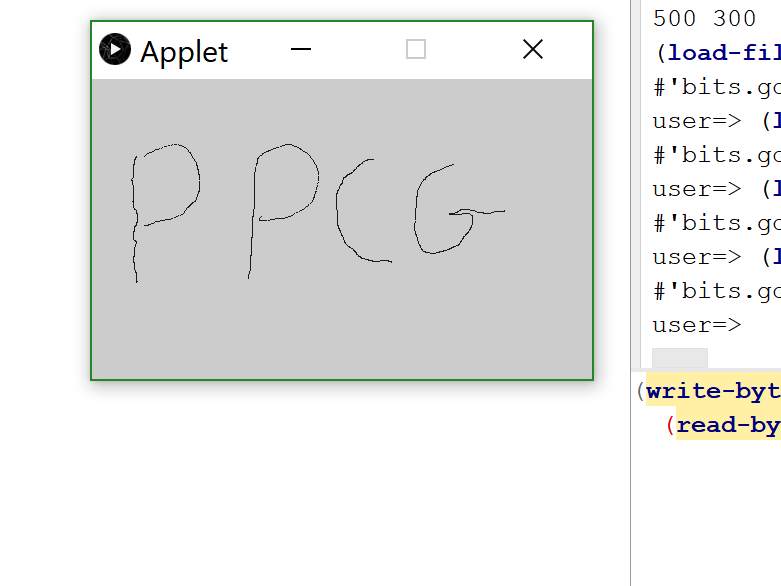
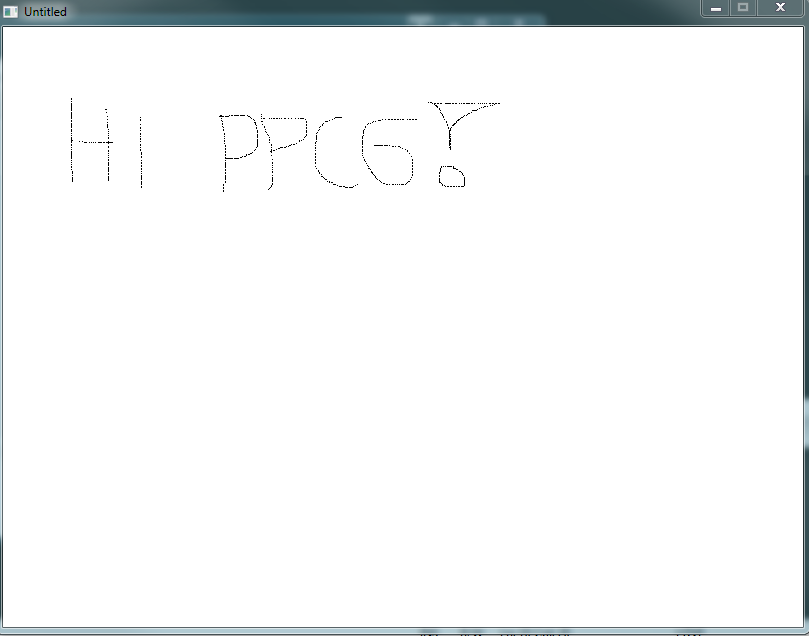
And here comes the picture:
Python2 and Python3, 82 bytes (or 77?)
from turtle import *;up();onscreenclick(lambda x,y: goto(x,y)or dot(1));mainloop()
Using the Turtle module, this isn't too bad :)
Ungolfed:
import turtle
turtle.up()

def fun(x, y):
    turtle.goto(x,y)
    turtle.dot(1)

turtle.onscreenclick(fun)
turtle.mainloop()
If it's OK to have lines between the dots, you can actually save 5 bytes:
from turtle import *;onscreenclick(lambda x,y: goto(x,y)or dot(1));mainloop()
SmileBASIC 2, 52 51 bytes
This one runs in SmileBASIC's daddy, Petit Computer (and is one two byte shorter.)
PNLTYPE"OFF
GPAGE 1GCLS 15@A
GPSET TCHX,TCHY
GOTO@A
Explanation:
PNLTYPE"OFF       'turn off keyboard
GPAGE 1           'set graphics to lower screen
GCLS 15           'clear with color 15 (white)
@A                'loop begin
GPSET TCHX,TCHY   'set black pixel at draw location
GOTO@A            'loop
TI-Basic, 1 byte
Pt-Change(
I'm sure that most of you with TI calcs thought of the Pen command, but it turns out that it's not tokenized so it would make most sense to count that as 3 bytes. You can read about the interactive version of Pt-Change( at http://tibasicdev.wikidot.com/pt-change
HTML + CSS + JavaScript (ES6), 8 + 31 + 64 = 103 bytes
Fun with CSS box-shadow!
s='0 0 0',onclick=e=>p.style.boxShadow=s+=`,${e.x}px ${e.y}px 0`*{margin:0;width:1px;height:1px<p id=p>HTML + CSS + JavaScript (ES6), 8 + 22 + 69 = 99 bytes
This one attempts to offset the default margin of the <body> element, but it may be different across browsers and user agent stylesheets. Tested successfully in Chrome.
s='0 0 0',onclick=e=>p.style.boxShadow=s+=`,${e.x-8}px ${e.y-16}px 0`*{width:1px;height:1px<p id=p>HTML + CSS + JavaScript (ES6), 8 + 18 + 69 = 95 bytes
Pixels in this one may appear bigger as they are drawn at half-pixel coordinates.
s='0 0 0',onclick=e=>p.style.boxShadow=s+=`,${e.x}px ${e.y}px 0 .5px`*{margin:0;width:0<p id=p>Processing, 98 79 bytes
19 bytes saved thanks to @dzaima
void setup(){background(-1);}void draw(){if(mousePressed)point(mouseX,mouseY);}
Explanation (outdated)
void setup() {
  size(100,100);            // size of the sketch
  background(-1);           // set the background to white
                            // 1 byte shorter than background(255);
}

void draw(){}               // required for mousePressed to work

void mousePressed() {       // function that is called whenever the mouse is pressed
  point(mouseX, mouseY);    // draw a point at the mouse's coordinates
                            // the colour is set to black as default
}
HTML + JavaScript (ES6), 66 64 62 bytes
HTML
<canvas id=c>
JavaScript
onclick=e=>c.getContext`2d`.fillRect(e.x,e.y,1,1)
Saved 2 bytes thanks to Gustavo Rodrigues and 2 bytes from Shaggy.
onclick=e=>c.getContext`2d`.fillRect(e.x,e.y,1,1)/* This css isn't needed for the program to work. */
*{margin: 0}
#c{border:1px solid black}<canvas id=c>Haskell, 189 184 170 169 bytes
import Graphics.Gloss.Interface.Pure.Game
main=play FullScreen white 9[]Pictures(#)(\_->id)
EventKey(MouseButton LeftButton)Down _(x,y)#l=Translate x y(Circle 1):l
_#l=l
This uses the Gloss library (v1.11). It opens a full screen window and paints black pixels (in fact circles with radius 1) by pressing the left mouse button. Press ESC to exit.
How it works:
play                 -- handles the whole event handling, screen update, etc. process
    FullScreen       -- use a full screen window
    white            -- use a white background
    9                -- 9 simulation steps per second (see simulation handler below)
    []               -- the initial world state, an emtpy list of circles
    Pictures         -- a function to turn the world state into a picture.
                     -- The world state is a list of translated circles and
                     -- "Pictures" turns this list into a single picture
    (#)              -- event handler, see below
    (\_->id)         -- simulation step handler. Ignore time tick and return the
                     -- world state unchanged. More readable: "\tick world -> world"

EventKey ... # l=... -- if the left mouse button is pressed, add a circle with
                     -- radius 1 translated to the current position of the mouse
                     -- to the world state
_#l=l                -- on all other events do nothing
Edit: @ceased to turn counterclockwis told me about the newst version of gloss which saves 5 bytes when using full screen windows. Thanks!
Java 7, 353 bytes
import java.awt.*;import java.awt.event.*;class M{static int x,y;public static void main(String[]a){Frame f=new Frame(){public void paint(Graphics g){g.drawLine(x,y,x,y);}};f.addMouseListener(new MouseAdapter(){public void mousePressed(MouseEvent e){x=e.getX();y=e.getY();f.repaint(x,y,1,1);}});f.setBackground(Color.WHITE);f.resize(500,500);f.show();}}
Ungolfed:
import java.awt.*;
import java.awt.event.*;

class M {
    //store the last point
    static int x, y;
    public static void main(String[] a) {
        Frame f = new Frame() {
            @Override
            public void paint(Graphics g) {
                g.drawLine(x, y, x, y);
            }
        }
        f.addMouseListener(new MouseAdapter() {
            @Override
            public void mousePressed(MouseEvent e) {
                x = e.getX();
                y = e.getY();
                //repaint only the "new pixel"
                f.repaint(x, y, 1, 1);
            }
        });
        //default background is grey
        f.setBackground(Color.WHITE);
        f.resize(500, 500);
        f.show();
    }
}
Processing, 93 bytes, 91 bytes if spaces don't count
void setup(){size(100,100);background(-1);}void draw(){if(mousePressed) point(mouseX,mouseY);}
Turing, 77 bytes
var x,y,b:int loop mousewhere(x,y,b)if b=1then drawdot(x,y,1)end if end loop
Ungolfed:
var x,y,b : int
loop
  mousewhere(x,y,b)  % Set (x,y) to mouse co-ords, and b to 1 or 0 indicating if the button is pressed
  if b=1 then
    drawdot(x,y,1)  % Draw a black pixel at (x,y)
  end if
end loop
HTML + Javascript, 152 148 bytes
<body onclick="document.body.innerHTML+='<x style=position:fixed;width:1;height:1;left:'+event.clientX+';top:'+event.clientY+';background:#000;>'"/>
SpecBAS - 61 59 bytes
1 CLS 15
2 IF MOUSEBTN=1 THEN PLOT MOUSEx,MOUSEy
3 GO TO 2
Black is already the default pen colour, but the background is usually a nasty shade of grey, so CLS 15 sets it to bright white.
SmileBASIC, 70 58 53 Bytes
XSCREEN 4GCLS-1@L
TOUCH OUT,X,Y
GPSET X,Y+240,0GOTO@L
Explained:
XSCREEN 4 'display one graphics page on both screens
GCLS -1 'fill screen with white
@L 'loop
TOUCH OUT,X,Y 'get touch location
GPSET X,Y+240,0 'draw black pixel at touch position, offset by the height of the top screen.
GOTO @L 'loop
JavaScript ES6, 126 bytes
Tested in chrome.
onclick=e=>document.body.outerHTML+=`<a style=position:fixed;top:${e.y}px;left:${e.x}px;width:1px;height:1px;background:#000>`
Try it online!
onclick=e=>document.body.outerHTML+=`<a style=position:fixed;top:${e.y}px;left:${e.x}px;width:1px;height:1px;background:#000>`Javascript + jQuery 138 bytes
d=$(document.body).click((e)=>d.append("<div style='background:black;width:5;height:5;position:fixed;top:"+e.pageY+";left:"+e.pageX+"'>"))
Adding click and drag support would be simple, you'd set a variable, however, per the instructions and to shorten code, it is not supported, "Anytime the mouse is pressed down, change the pixel that the mouse is on to black". I interpretted the instruction as a click event.